

For traders, the chart is the core workspace where they analyse markets, place orders, track the option chain, and monitor live positions. At Tradejini, CubePlus is designed around a powerful, intuitive charting terminal that lets you analyse, trade, and manage everything from a single screen accessible directly from your CubePlus dashboard.
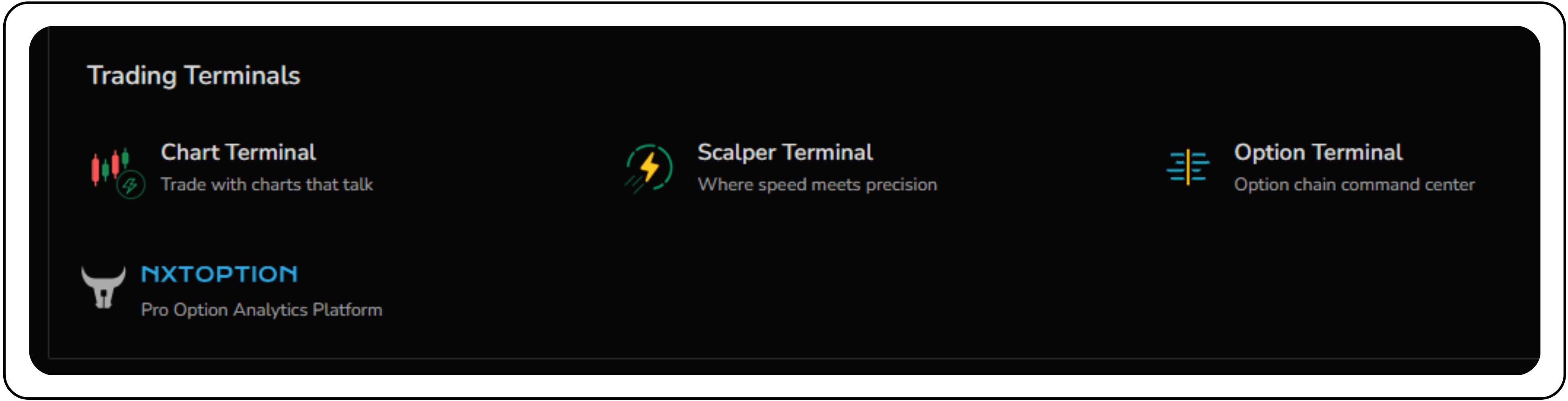
You can navigate to the chart terminal directly from the CubePlus dashboard.
Trade directly from the chart
CubePlus transforms the chart from a passive analysis tool into an active trading interface.
Placing a new trade is simple. Use the prominent BUY/SELL buttons, which opens a clear and concise order entry panel.
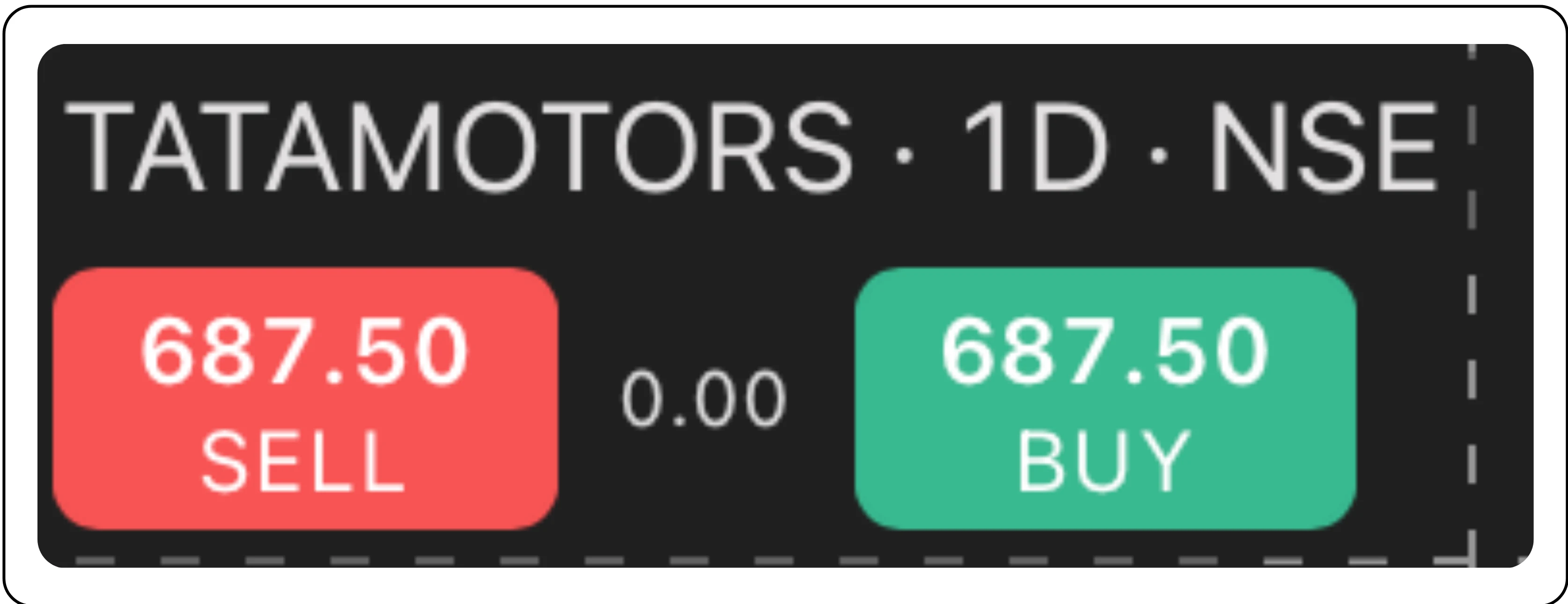
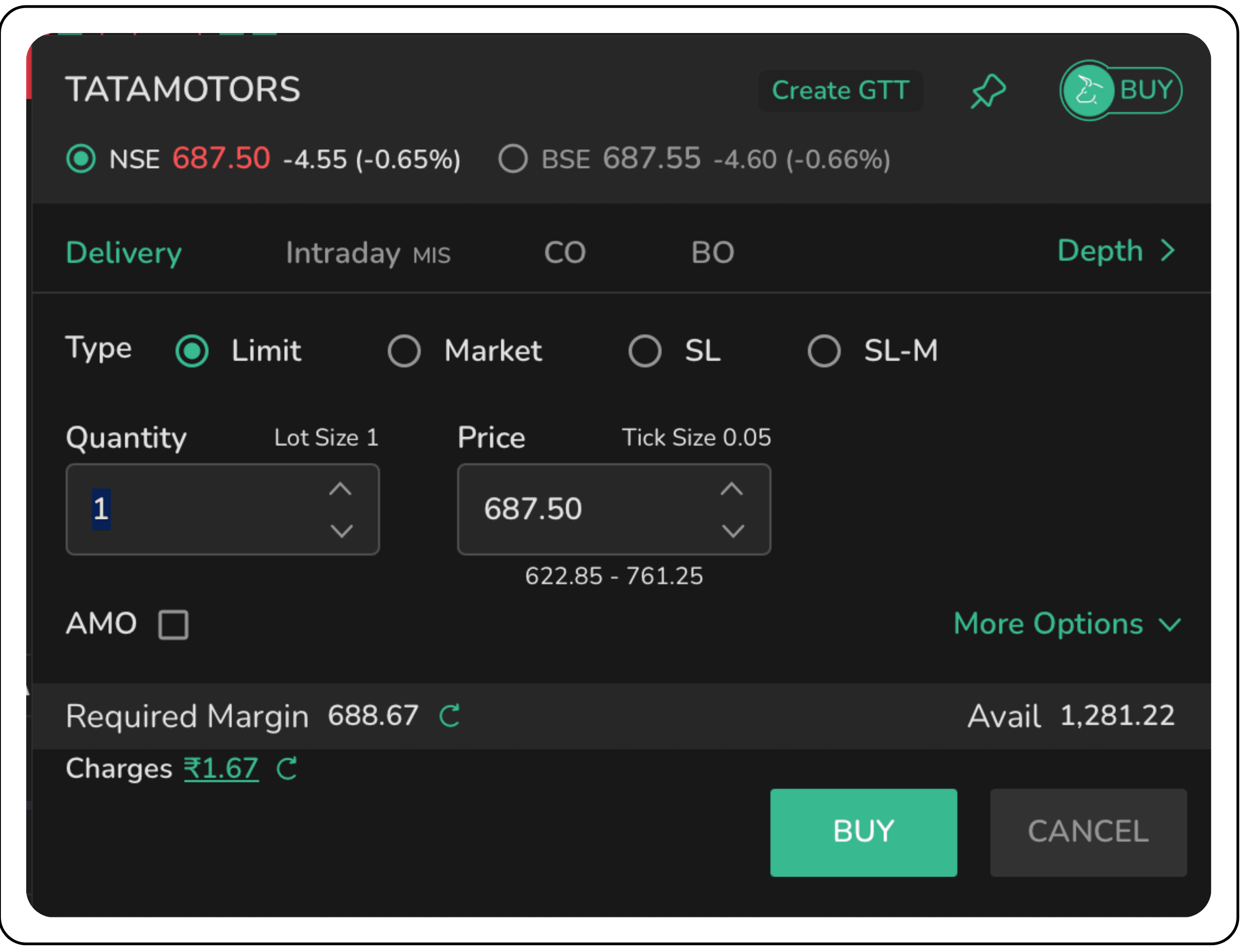
You can set your quantity and price, choose your order type (Limit, Market, SL, SL-M), and execute the trade. The moment your order is placed, it appears visually on the chart, allowing you to instantly see where your trade stands in relation to price action.
Visual Order Placement and Management
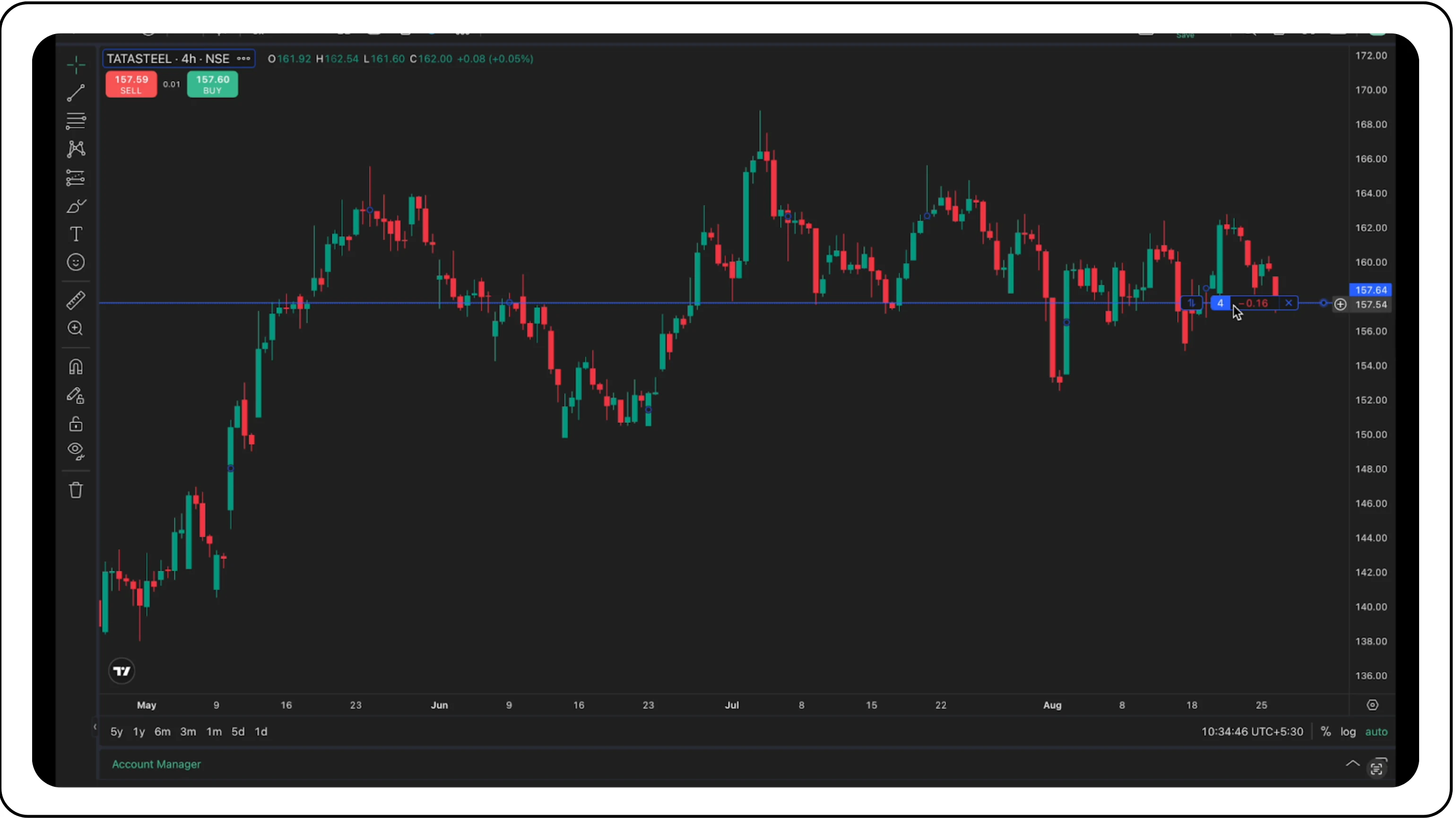
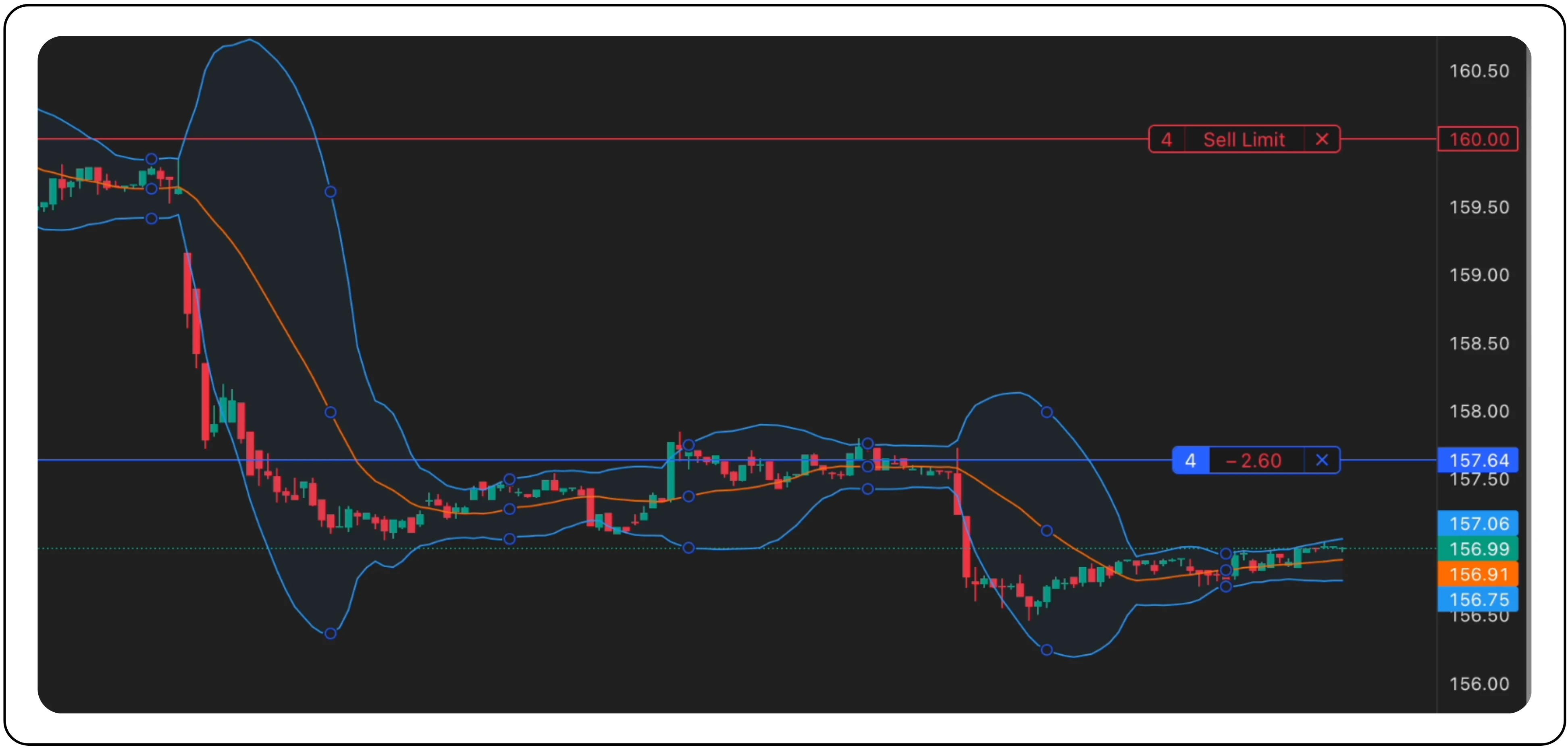
Open orders, stop-loss levels, and take-profit targets are plotted directly on your chart. This visual clarity ensures that you always know how your trades align with technical levels.
Intuitive Drag-and-Drop Order Modification
Market conditions change, and your strategy needs to adapt. Instead of canceling and re-placing an order, CubePlus allows you to simply click and drag your open order line to a new price level. A modification window pops up instantly with the new price, awaiting your confirmation.
One-Click Cancellation & Position Reversal
- Cancel an Order: Need to cancel a working order? Just click the ‘X’ icon next to the order line on the chart. A quick confirmation, and it is done.
- Reverse a Position: Want to flip from a long to a short position or vice versa? Click the 'X' on your position line to bring up the Reverse Position prompt. This allows you to close your current position and open an opposite one in a single action, saving crucial seconds.
Note: When you click on reverse a position, it automatically takes two lots.
A unified interface
The first thing you notice is the seamless integration. The main screen combines the advanced charting capabilities of TradingView in the upper section with a comprehensive Account Manager panel at the bottom.
This unified view eliminates the need to switch between tabs or windows to check your positions, orders, or funds. Everything you need is consolidated in one place, giving you a complete real-time overview of your trading activity.
Also Read: What is a Nominee in a Demat Account? How to add a Nominee?
Integrated account management at your fingertips

The Account Manager panel is your central hub for tracking every aspect of your account directly from the chart screen. It is neatly organized into logical tabs:
- Positions: View all your open positions, including the symbol, quantity, average price, and real-time unrealized P&L.
- Orders: A powerhouse tab with sub-filters to track your orders with precision. View all, Working, Inactive, Filled, Cancelled, and Rejected orders without leaving the chart.
- GTT Orders: Manage your Good Till Triggered orders separately.
- Holdings: Get a clear view of your long-term investments.
- Closed Positions: Easily review the performance of your completed trades.
- Funds: Check your available margin and total credits in real time.
This integration ensures that you can make informed decisions instantly, with all relevant data at your fingertips.
Advanced tools for the modern trader
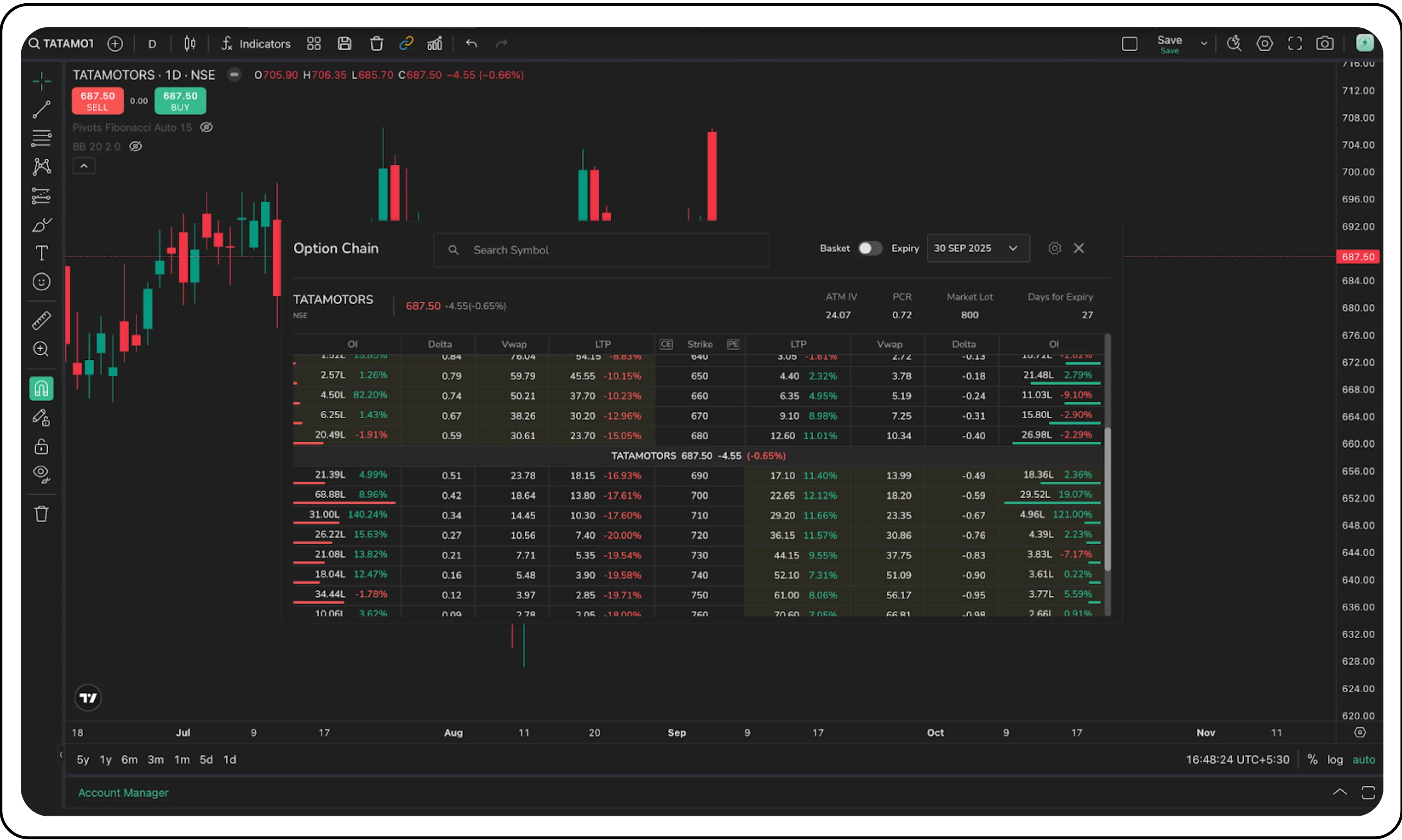
Integrated Option Chain: For options traders, this is a game-changer. Launch a full, real-time Option Chain directly from your chart. Analyze Open Interest, Greeks (Delta, Theta, Vega), and Implied Volatility (IV) for various strike prices and expiries without ever leaving your workspace.
Analysis and visualization
Beyond trading directly from the chart, CubePlus also provides everything you need for comprehensive technical analysis.
- Symbol Search: Instantly pull up any instrument, equities, futures, or options, with a comprehensive and easy-to-navigate search function.
- Flexible Timeframes: Switch between standard timeframes (1m, 5m, 1H, 1D) with a single click, or create custom intervals to suit your strategy.
- Multiple Chart Styles: From Candlesticks and Heikin Ashi to simple Line charts, CubePlus offers a variety of visualization styles.
- Comprehensive Indicator Library: Access hundreds of built-in technical indicators, such as Bollinger Bands, Moving Averages, RSI, and MACD. Each is fully customizable to refine your analysis.
In addition, CubePlus’s left-side toolbar offers a wide range of drawing tools for precision analysis:
- Trendlines & Channels: For mapping market structure.
- Fibonacci & Gann Tools: For identifying potential reversal zones and price targets.
- Pattern & Prediction Tools: For classic chart patterns and trade planning with risk-to-reward ratios.
- Essential Helpers: Magnet Mode for precise drawing, along with Stay in Drawing Mode and Lock Drawings for efficiency.
The CubePlus chart terminal is more than a collection of features; it is a thoughtfully designed trading environment built for efficiency, control, and clarity.
By prioritizing direct chart-based order placement, drag-and-drop modification, and real-time visual clarity of trades, CubePlus sets itself apart from other platforms. When combined with world-class charting, integrated account management, and advanced analysis tools, it empowers you to focus on what matters most: your strategy.
Stop juggling windows and start trading from a single, powerful command center.
Log in to your Tradejini CubePlus account and experience the future of charting today.
Disclaimer: The information provided in our blogs is for informational purposes only and should not be construed as financial, investment, or trading advice. Trading and investing in the securities market carries risk. Always conduct your own research and consult with a qualified financial advisor before making any investment decisions. Past performance is not indicative of future results. Copyrighted and original content for your trading and investing needs.
© 2025 — Tradejini. All Rights Reserved.

%252FCubePlus_Shield_Part%25203%2520Blog%2520Thumbnail.webp%3Falt%3Dmedia%26token%3Da5581624-5761-476f-8451-40c157b54840&w=3840&q=75)
%252FShield%2520on%2520Cubeplus%2520part2.webp%3Falt%3Dmedia%26token%3D252a5b48-a580-4e8d-b939-c82d4696eaef&w=3840&q=75)
