
What's New

Innovation never stops. Stay updated.

Explore the latest features, product launches and improvements we've built to make your trading smarter, faster, and more reliable.

Performance Matrix
Live Trades
Ultra-Fast
25Aug
VIDEO UPDATE

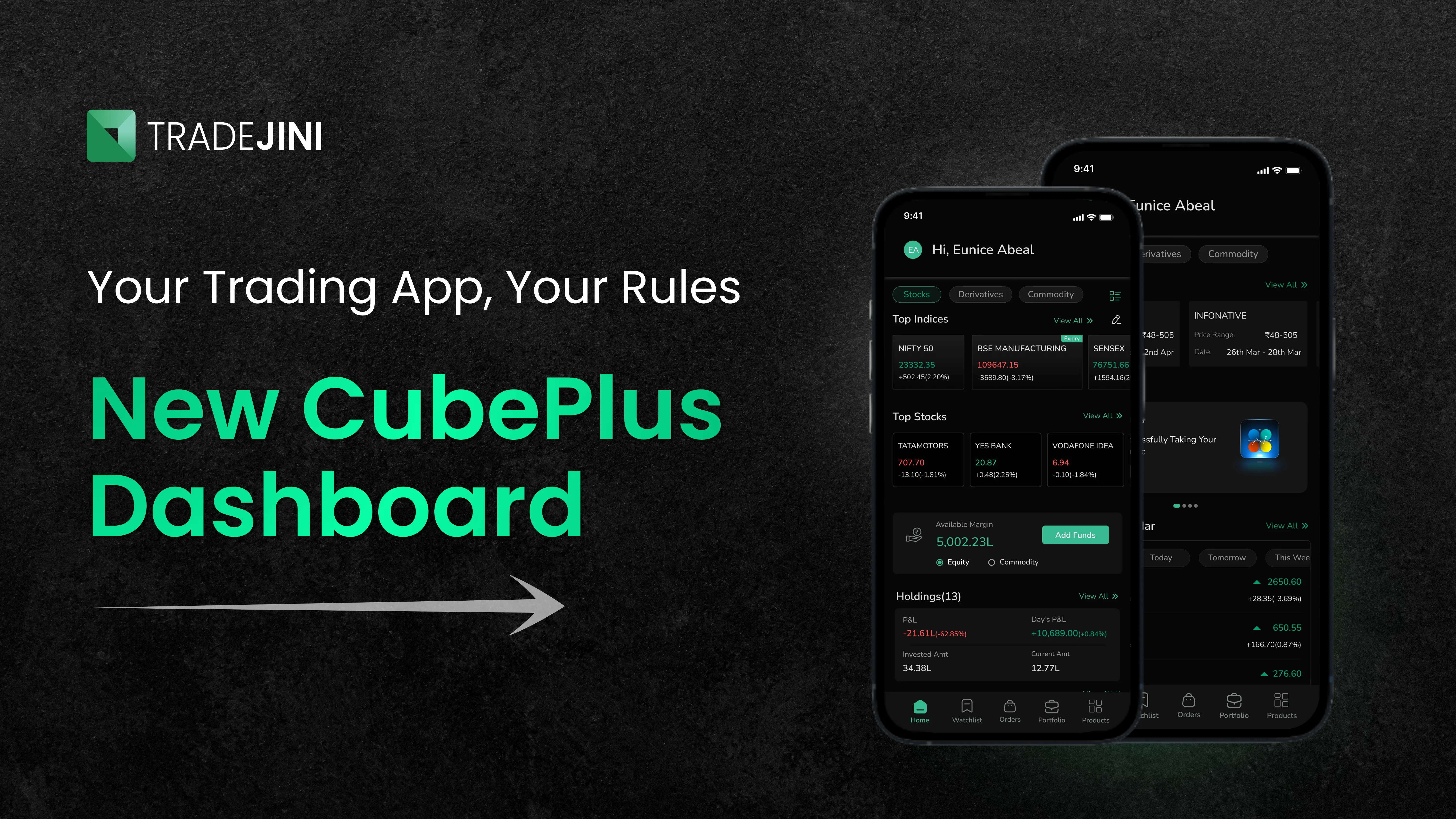
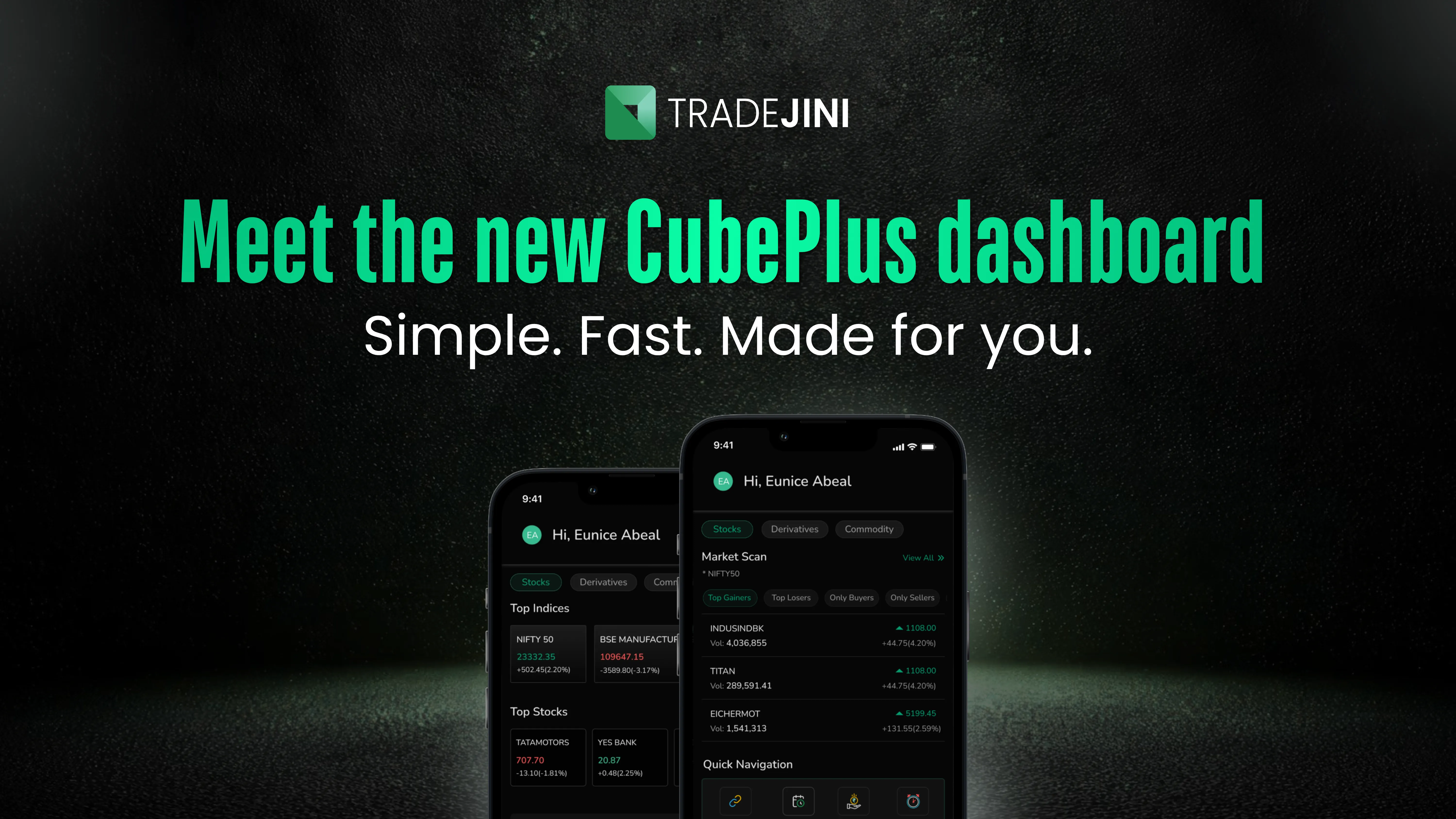
New CubePlus Dashboard

New CubePlus Dashboard

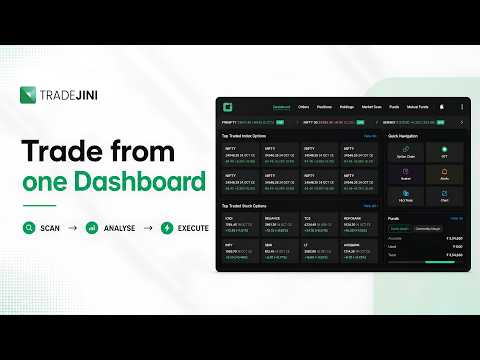
The redesigned CubePlus dashboard makes market discovery easier by separating Stocks and Derivatives into dedicated sections, with tools such as Market Movers, Scans, ETFs, Options, Results, Blogs, and Videos organised by category. A live ticker at the top provides a quick view of key indices, making it easier to stay updated while browsing.

21Aug
VIDEO UPDATE

Conditional Exit with Shield

Conditional Exit with Shield

CubePlus now lets investors place conditional exits on their positions using Shield. Choose from three exit types, P&L, Time, and ATO, to define when and how a position should be exited.

18Jul
BLOG UPDATE

Open Interest Profile, On By Default

Open Interest Profile, On By Default

The Open Interest Profile and Auto-Save are now switched on by default, so you see them without changing a setting.

17Jul
UPDATE

Charts, Orders & Holdings Polish

A broad polish pass across Web and Mobile — chart auto-save layouts, clearer PIN and login screen wording, faster GTT and order-pad validation, watchlist and heatmap tweaks, and dozens of smaller display and label fixes across Charts, Orders, Holdings and Mutual Funds.

16Jul
VIDEO UPDATE

NxtOption, Now Built Into CubePlus

NxtOption, Now Built Into CubePlus

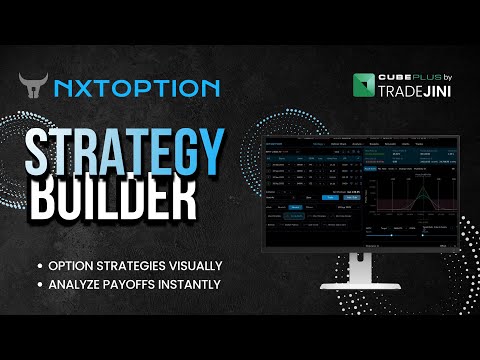
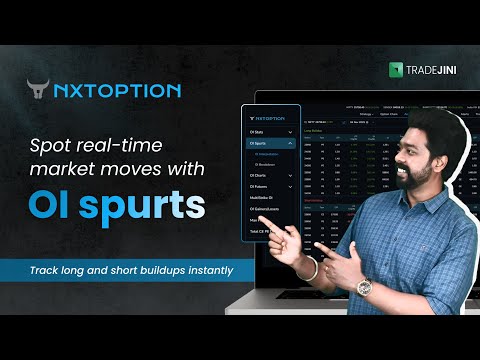
NxtOption's advanced options tools — Strategy Builder, IV Analysis, OI Analysis and Easy Options — are now integrated natively into CubePlus, so options traders get a single, premium in-app experience for building strategies, reading implied volatility and open interest, and executing trades, without switching between apps.

15Jul
VIDEO UPDATE

Open Interest Profile on the Price Chart

Open Interest Profile on the Price Chart

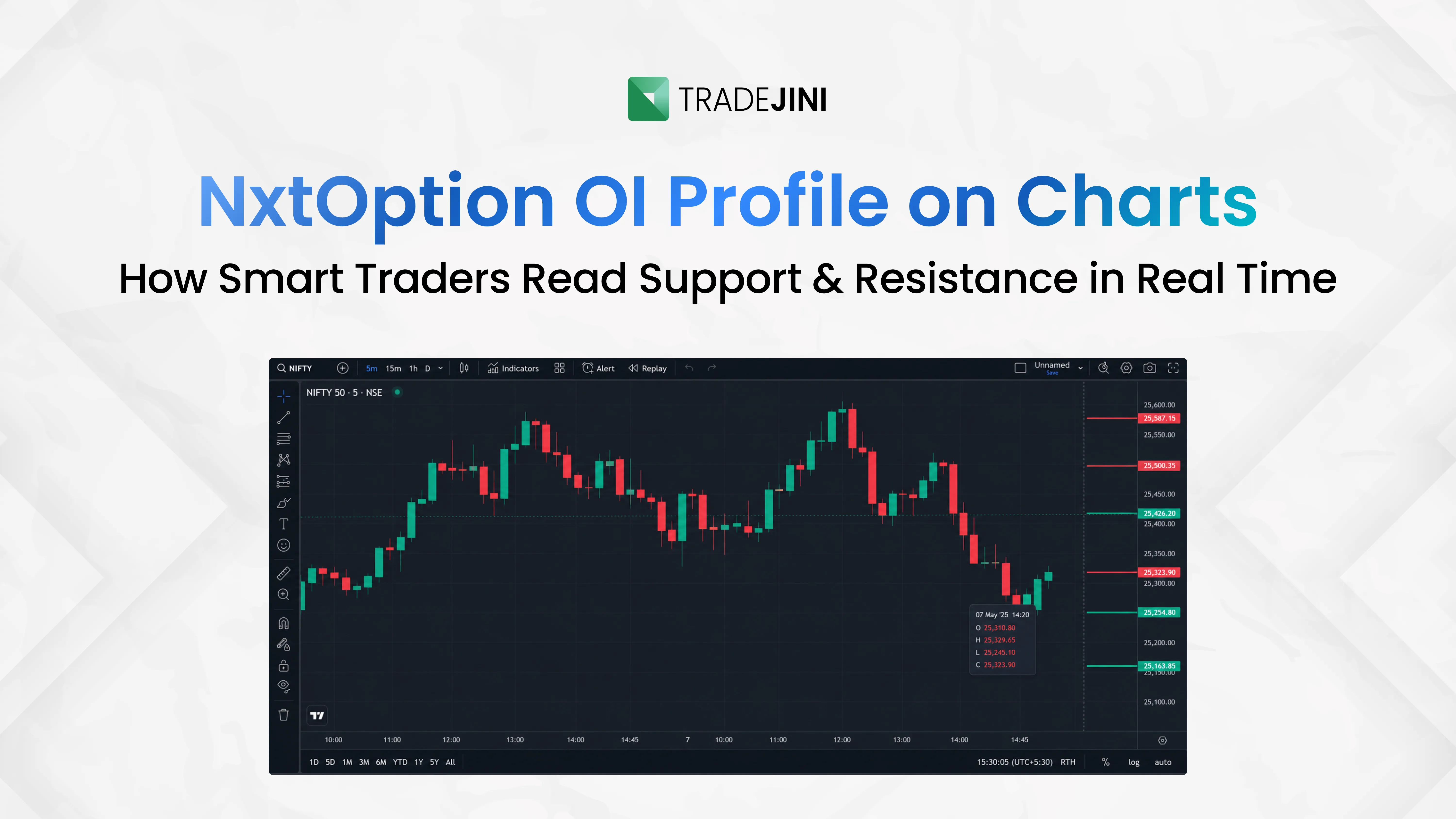
See where market participants are concentrated directly on the price chart, without switching to the option chain.

14Jul
VIDEO UPDATE

Payoff Analysis, Revamped

Payoff Analysis, Revamped

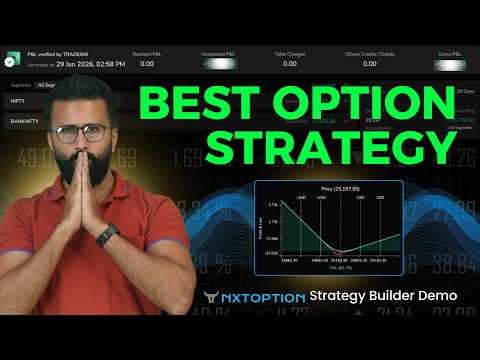
The Payoff Analysis tool in NxtOption has been redesigned for a clearer view of your strategy's risk and reward.

13Jul

Market Depth, Open by Default in the Order Pad

The Depth view now opens automatically in the Order Pad — close it once and your preference is remembered next time.

12Jul

Premium/Discount % on Futures

Symbol Overview for Futures now shows the premium or discount to spot as a percentage.

11Jul

Filter Market Scan by Stocks or Index

A new Stocks/Index filter in Market Scan's Options and Futures tabs makes it faster to focus on what you're watching.

10Jul
BLOG UPDATE

Analyze MCX Derivatives From Basket & Positions

Analyze MCX Derivatives From Basket & Positions

MCX derivatives can now be analyzed directly from both Basket and Positions in NxtOption.

9Jul

Faster Sign-in With Auto SIM Detection

CubePlus can now auto-detect your registered mobile number from your device's SIM, speeding up sign-in.

8Jul

Premium % Now Shown in the Option Chain

The option chain now calculates and displays premium percentage for every strike.

7Jul
BLOG UPDATE

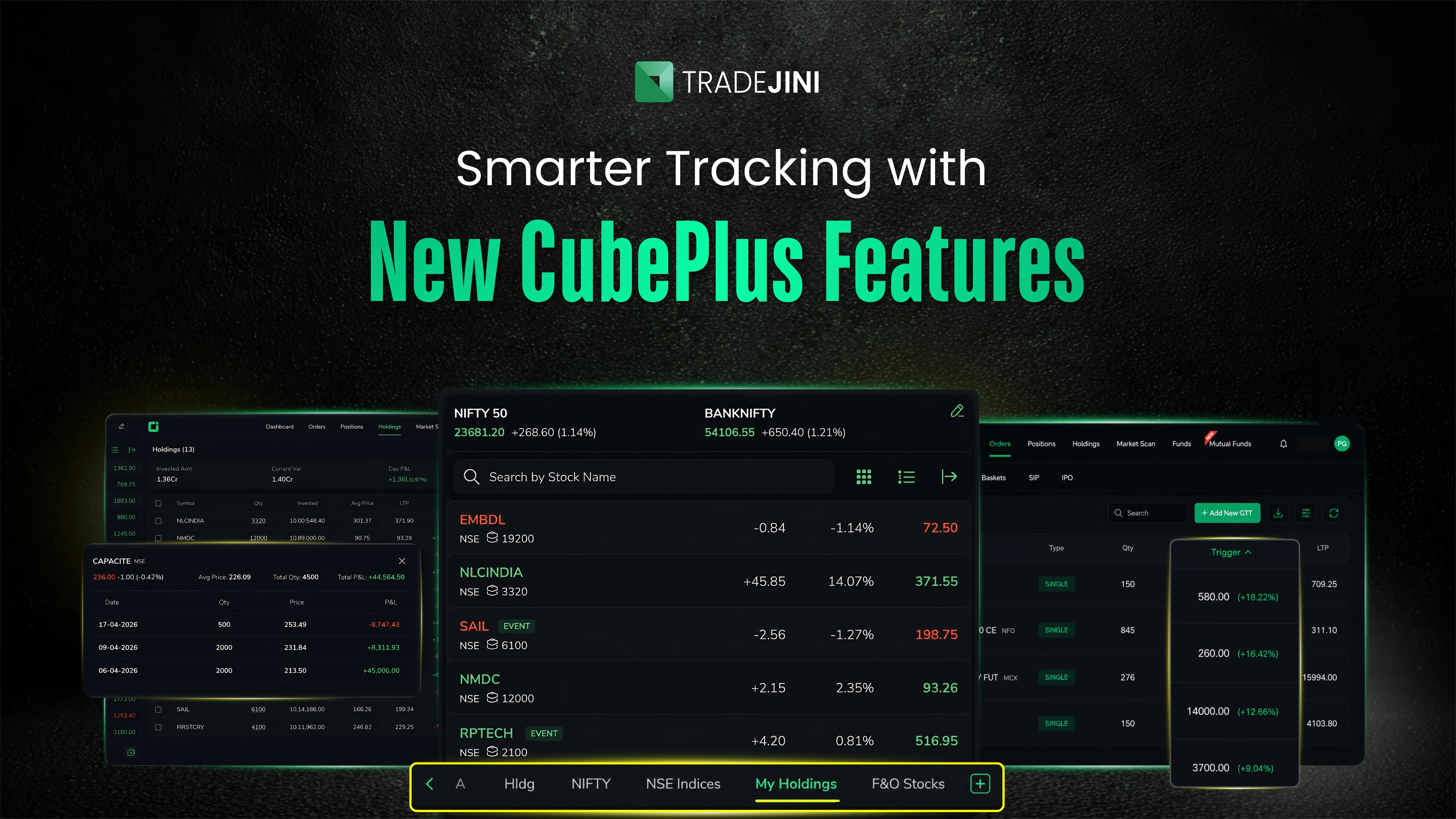
Holdings Revamp: Sort, Customize & Pin Columns

Holdings Revamp: Sort, Customize & Pin Columns

Sort by any column, choose which fields appear, reorder them by drag-and-drop, and freeze up to two columns so the numbers you track most stay in view — on Web and Mobile.

6Jul
BLOG UPDATE

Your New CubePlus Mobile Dashboard

Your New CubePlus Mobile Dashboard

Positions and holdings without switching tabs, one-tap access to option chains, SIPs, mutual funds and price alerts, clear balances with instant Add Funds, easy IPO and corporate-action tracking, and Tradejini's blogs and videos built right in.

5Jul
BLOG UPDATE

Explore ETFs, Reimagined

Explore ETFs, Reimagined

The Explore ETFs screen has been redesigned to make discovering and comparing ETFs easier.

4Jul
BLOG UPDATE

Advance/Decline Ratio on Your Dashboard

Advance/Decline Ratio on Your Dashboard

Gauge overall market breadth at a glance with the new Advance/Decline ratio on your dashboard.

3Jul
BLOG UPDATE

One-Tap Access to Commodity Trading From Your Dashboard

One-Tap Access to Commodity Trading From Your Dashboard

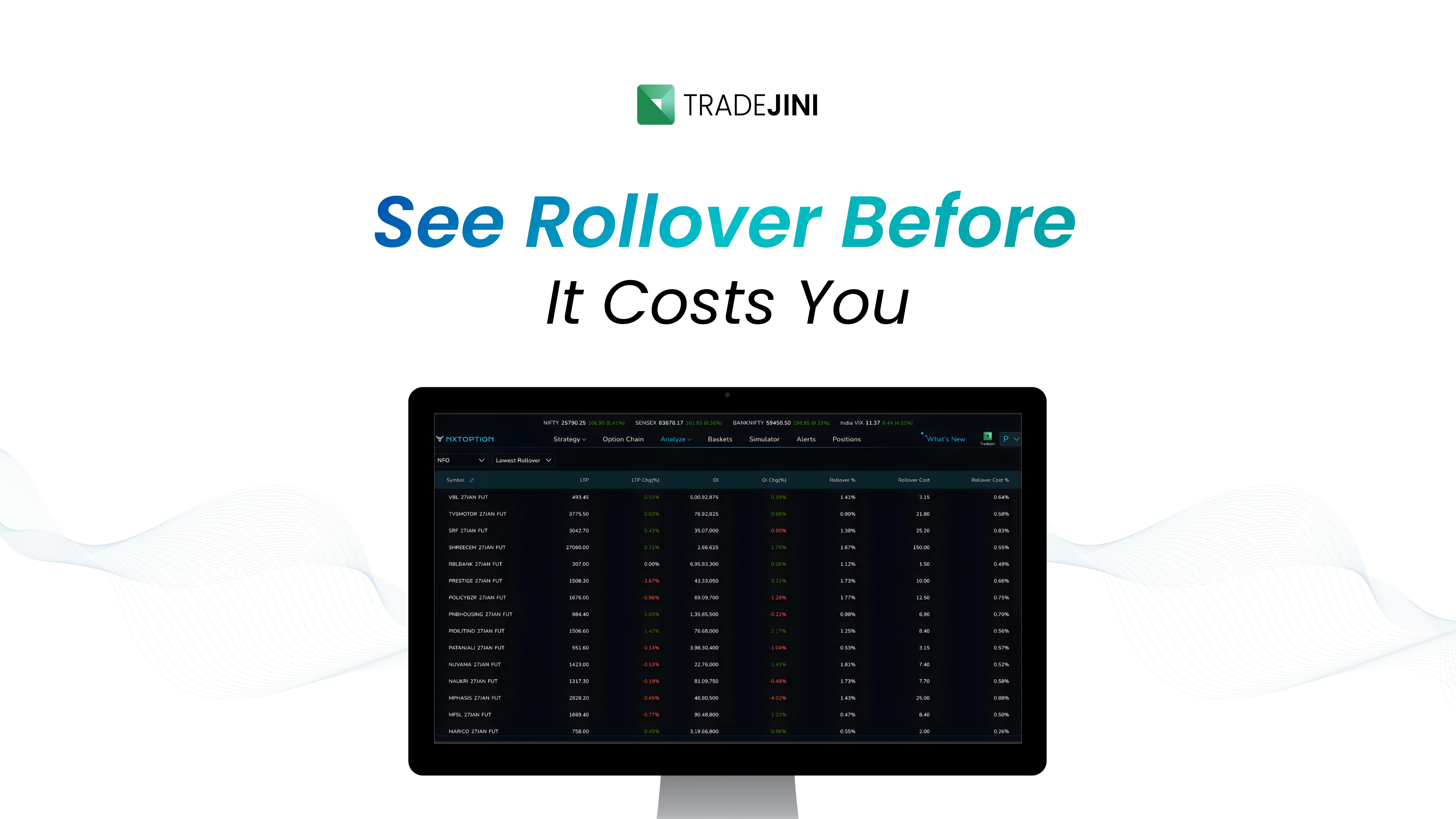
Gold option chain, GTT, the Commodity Market Scan and alerts are now one tap away, along with live MCX gainers/losers and rollover data as expiry nears.

2Jul
BLOG UPDATE

One-Tap Access to Derivatives From Your Dashboard

One-Tap Access to Derivatives From Your Dashboard

Nifty option chain, GTT, the F&O results calendar and alerts are now one tap away from your home screen, alongside your live positions and holdings.

1Jul

Choose Your Exchange on the Order Pad

Pick your exchange directly on the Equity order pad before placing a trade.

3Jun
UPDATE

Option Chain & Holdings Polish

Clearer long/short colour-coding in the Option Chain, privacy-mode masking extended to Pledged Qty in Holdings, and several smaller Basket and Help-section refinements.

2Jun

Edit Quantity & Price Right in Basket Mode

Quantity and Price fields in the Option Chain's Basket mode are now directly editable — no need to jump to the order pad.

1Jun
BLOG UPDATE

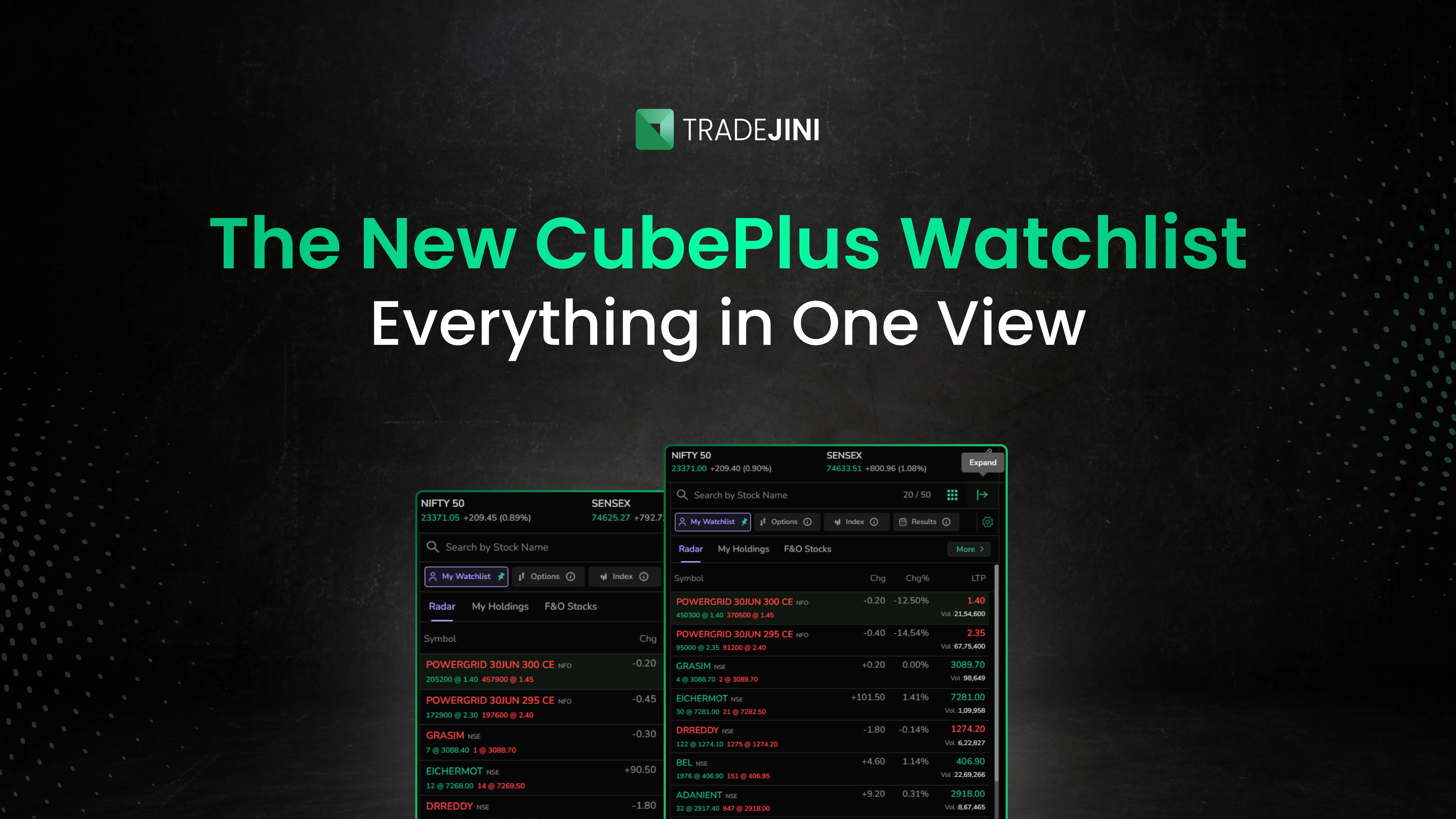
New Watchlist Experience

New Watchlist Experience

A completely redesigned watchlist — one panel for My Watchlist, Options, Index and Results, click-to-sort columns, a heatmap view, pinnable default views, and smart search grouped by Stocks / F&O / Index.

2May
UPDATE

Login Safety & Market Scan Refinements

A Dispute link on the login screen, auto-submit disabled for safer login, and Positions/Spot overview and Market Scan filter refinements on mobile.

1May
BLOG UPDATE

Dashboard, Movers & Analytics Merged into Market Scan

Dashboard, Movers & Analytics Merged into Market Scan

Your dashboard, Movers and Analytics now live together in one Market Scan on Mobile, matching the Web experience.

3Apr
BLOG UPDATE

Holdings Transaction History & GTT Sorting

Holdings Transaction History & GTT Sorting

Tap a holdings quantity to view its transaction history, and GTT orders can now be sorted by trigger-price % and downloaded as a report.

2Apr

Convert Market Orders to Limit Orders

Change a Market order to a Limit order without cancelling and re-placing it.

1Apr

QR Code Login, Now the Default

Logging in with a QR code is now the default flow, with User ID + PIN + TOTP/OTP and mobile-number login still available if you prefer.

3Feb
UPDATE

Clearer Errors & Simpler Labels

Error messages are now clearer, and the Results Calendar and Seasonality Chart labels were simplified on mobile.

2Feb
BLOG UPDATE

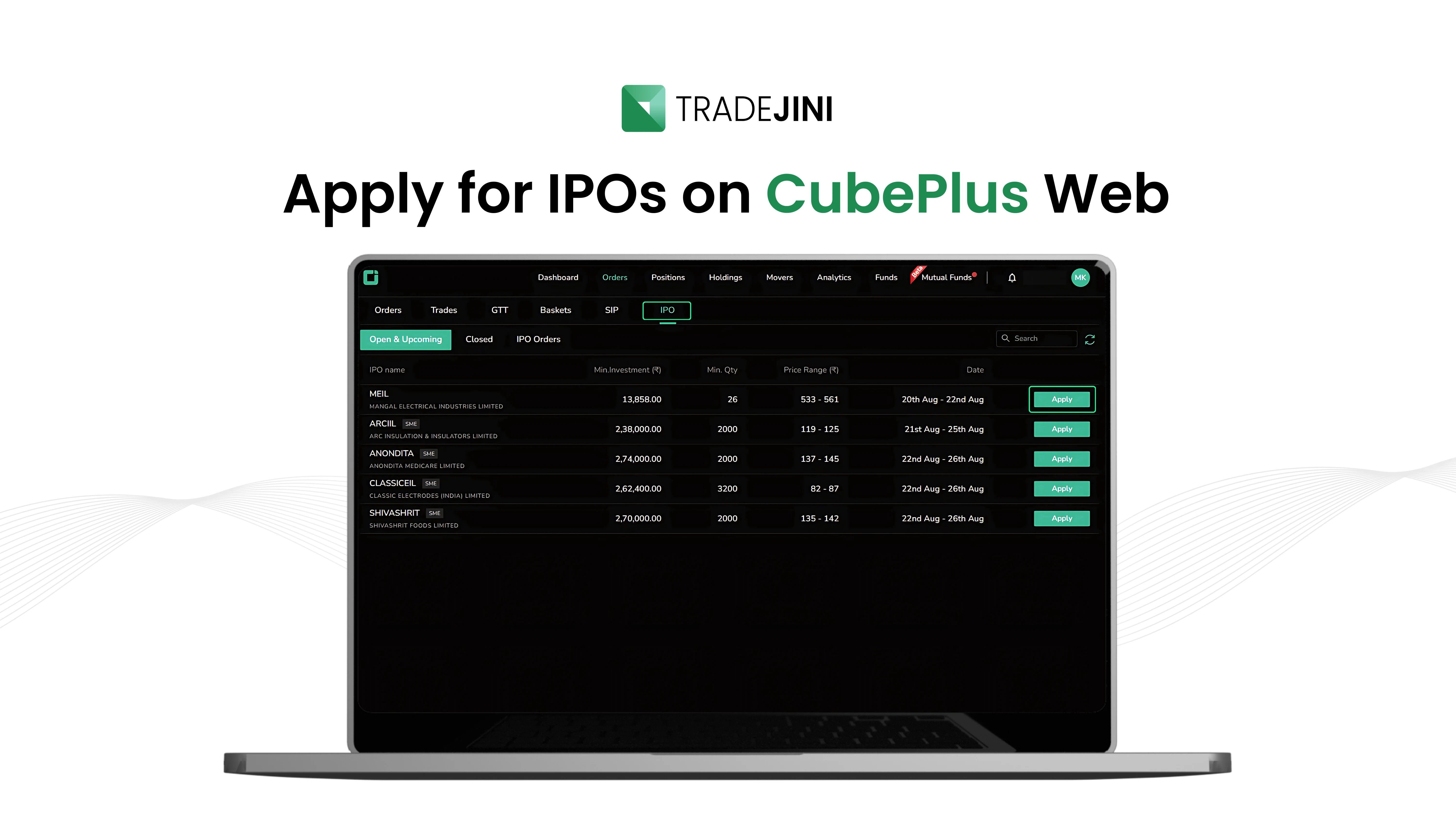
More Time to Pre-Apply for IPOs

More Time to Pre-Apply for IPOs

The window to view IPO pre-apply notifications has been extended, so you don't miss your chance to apply early.

1Feb

Net Premium, Now in Your Positions

See the net premium for your option positions right on the Positions screen.

2Jan
BLOG UPDATE

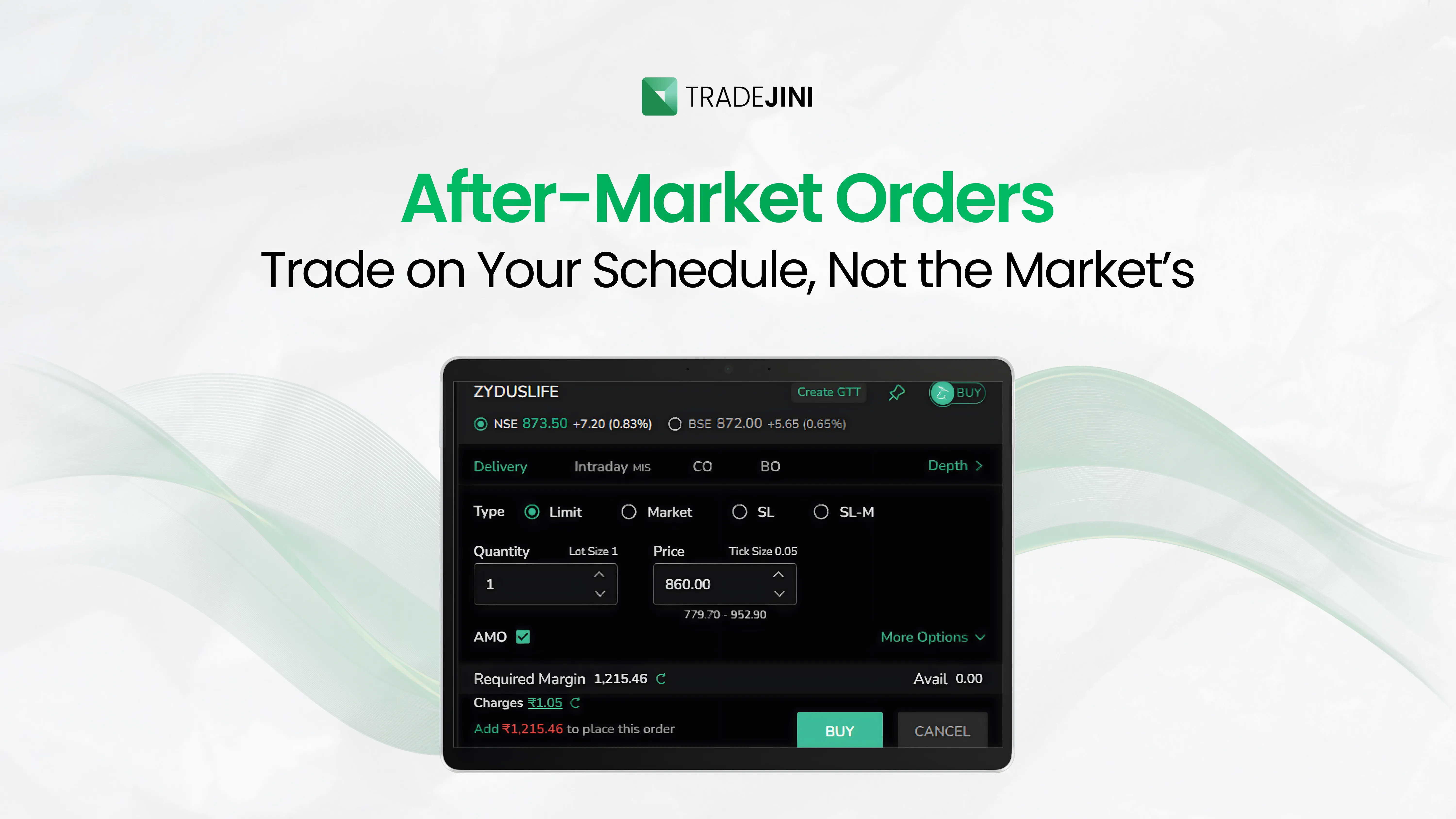
IPO Pre-Apply & AMO Support

IPO Pre-Apply & AMO Support

Pre-Apply and After Market Orders (AMO) are now supported for IPOs, on both Web and Mobile.

1Jan

Login with PIN

Skip the full login flow — sign in quickly and securely with just your PIN, on Web and Mobile.

Be the first to know

Get notified about new features, product launches and important platform updates.

No spam Unsubscribe anytime