

Every options trader knows this frustration. The market moves exactly as you predicted, but your premium doesn't. Theta drains value by the hour. Vega collapses after an event passes. And you're left wondering: if NIFTY reaches this level, what will my premium actually be worth? Most traders spend hours building Excel models, trying to estimate how price movements and time decay will affect their positions. It's tedious, imprecise, and by the time you've calculated it, the opportunity may have already passed. What if you could see it instantly instead? A screen where you move time forward with a slider, adjust the price level, and watch the Greeks respond in real time. The entire option chain reshapes itself as you think. No spreadsheets. No guesswork. Just immediate clarity on what your position will be worth under any scenario.
That is exactly what the NxtOption What If Analysis does.
What is "what if" analysis?
The "what if” analysis is NxtOption’s interactive scenario simulation engine. It lets you test hypothetical market conditions by adjusting target price, target date, expiry, and the underlying, and instantly shows how every strike’s premium, delta, gamma, theta, and vega would behave. This makes it a highly specialized option chain scenario testing tool for traders who want clarity before execution.
Think of it as a market time machine built on real-time Greek recalculation.
You pick the future. NxtOption shows the premium through precise Delta Gamma Theta Vega simulation logic.
Also Read: Volatility Insights that Sharpen Every Options Trade
Key Features of "What if" Analysis
Target Price Simulation
You can adjust the stock or index price using:
- (+ / − )buttons
- Direct manual input
- One-click Reset to return to live market levels

Every tick you adjust instantly recalculates:
You also see the percentage deviation from CMP on every adjustment, providing precise inputs for Target Price and Target Date options trading.
Target Date and Time Selector
Move forward or backwards in time to see how theta accelerates, vega collapses, and premiums decay. This is the core of the NxtOption time decoding engine.

You can:
- Move the date forward or backward
- Select any timestamp (12:30 PM, 3:10 PM, etc.)
- Watch theta decay accelerate as you approach expiry
- Observe vega collapse on the last day
- See how the premium shrinks or surges with time
- Track how delta shifts as strikes move ITM or OTM and how those shifts speed up closer to expiry
This is the closest you get to steering the market clock with real-time Greek recalculation.
Multi-Expiry, Multi-Underlying Support
Simulate across weekly, monthly, quarterly, and even LEAPS expiries (up to Jun 2030).
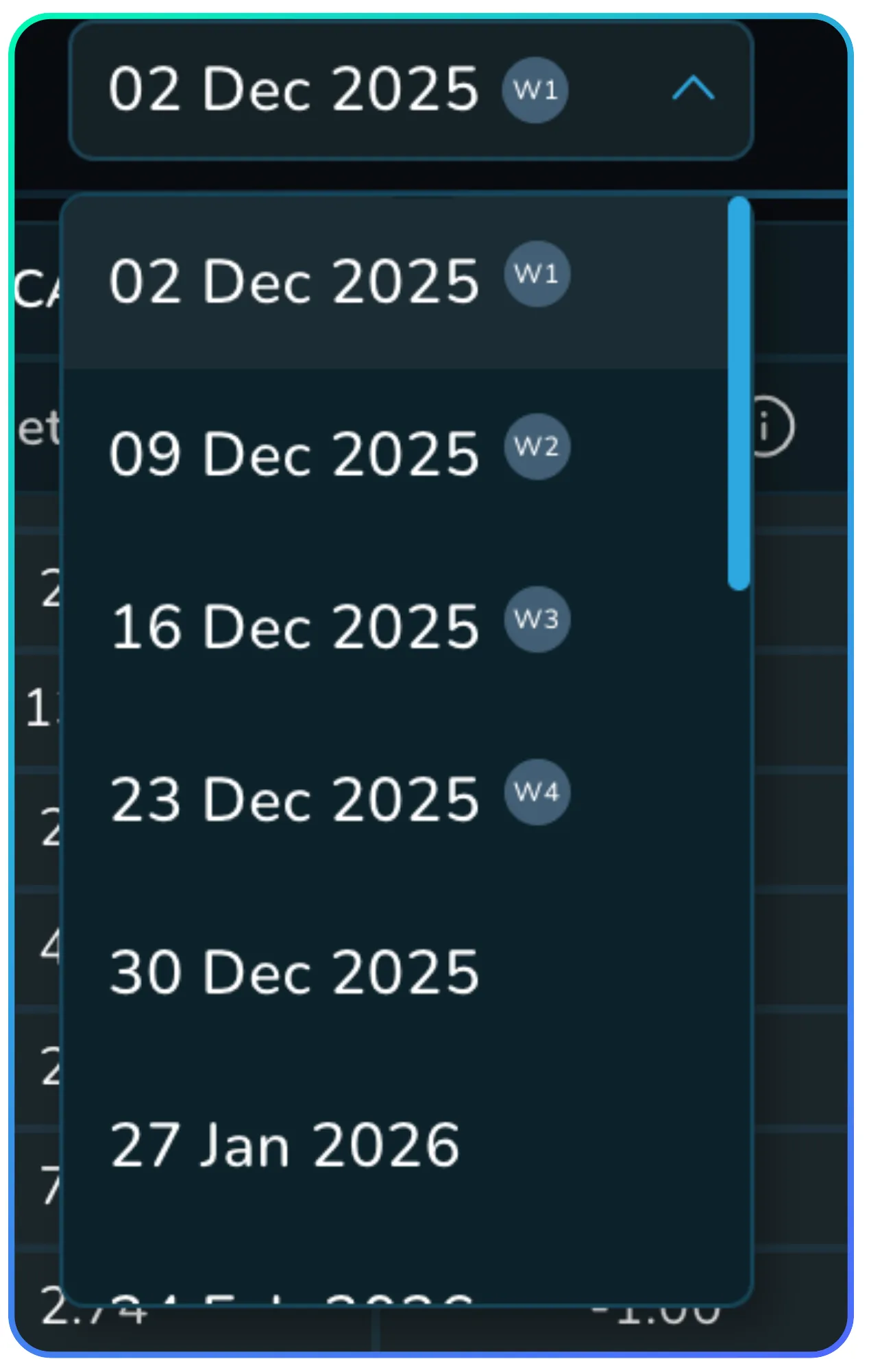
NxtOption supports:
- All weekly expiries (W1, W2, W3, W4)
- Monthly expiry
- Leap Expiries up until Jun 2030
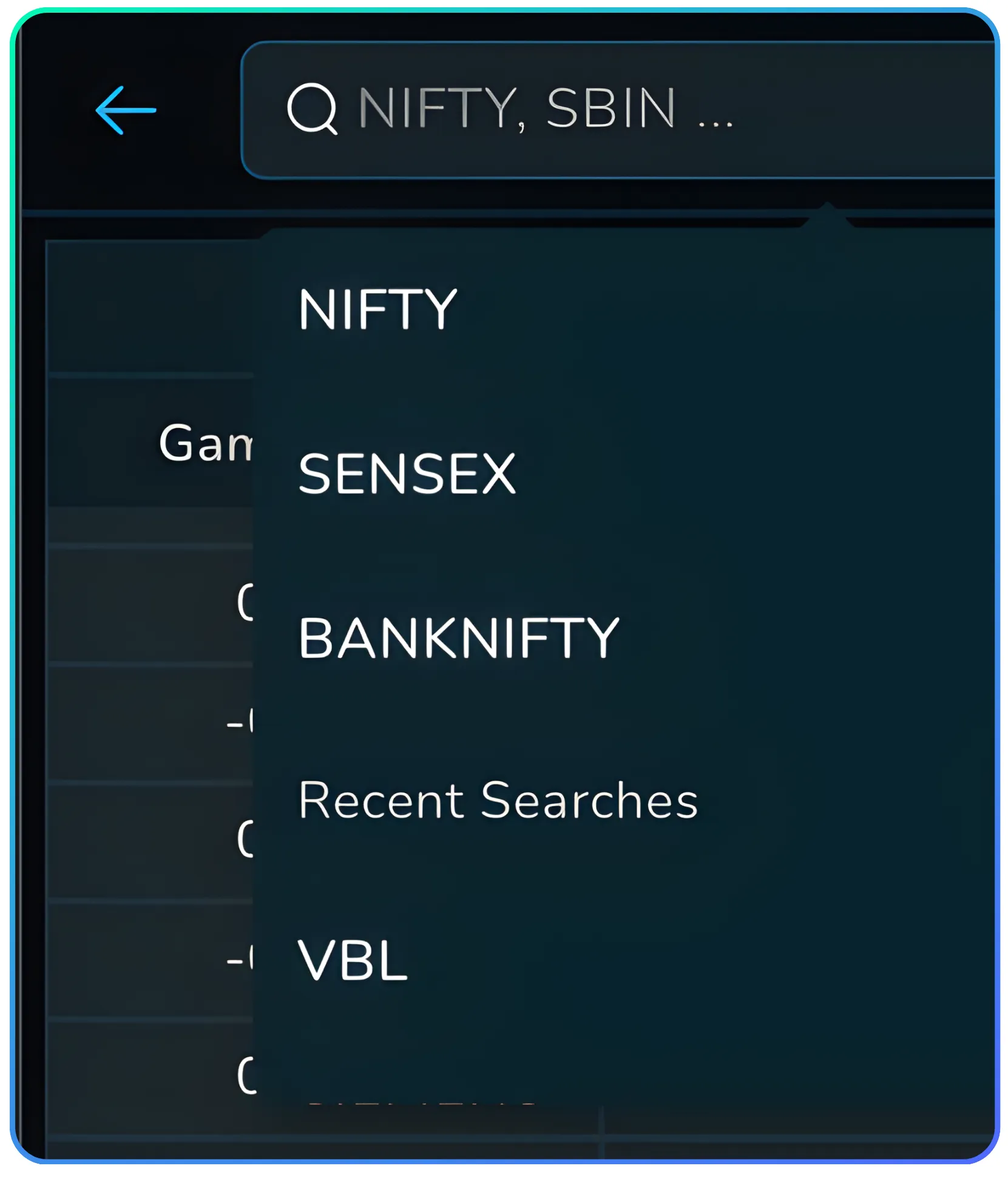
For the Underlying Nxtoption supports
- NIFTY
- BANKNIFTY
- SENSEX
- Entire F&O Stock Universe
Every expiry instantly updates its chain, helping you analyze how Greeks evolve across durations.
Full Option Chain Greek Recalculation

Every strike updates in real time with recalculated Greeks for your chosen scenario, enabling consistent option chain scenario testing.
Greeks Dashboard
Every single strike has recalculated Greek values for your scenario.
| Greek | What It Represents | Why It Matters |
|---|---|---|
| Delta | Price sensitivity | Shows how much your option will gain or lose when the underlying moves. Helps you judge directional exposure quickly. |
| Gamma | Delta's rate of change | Tells you how fast delta will shift as the underlying moves. Crucial near ATM where positions can become more sensitive very quickly. |
| Theta | Daily time decay | Shows how much value your option loses each day. Essential for sellers relying on decay and for buyers who must account for time loss. |
| Vega | Sensitivity to volatility | Shows how premiums react to volatility spikes or drops. Important during events when volatility changes faster than price. |
Integrated Strategy Execution
Once you’re satisfied with your hypothetical setup:
- Click B or S on any strike
- Immediately open Basket Order Panel
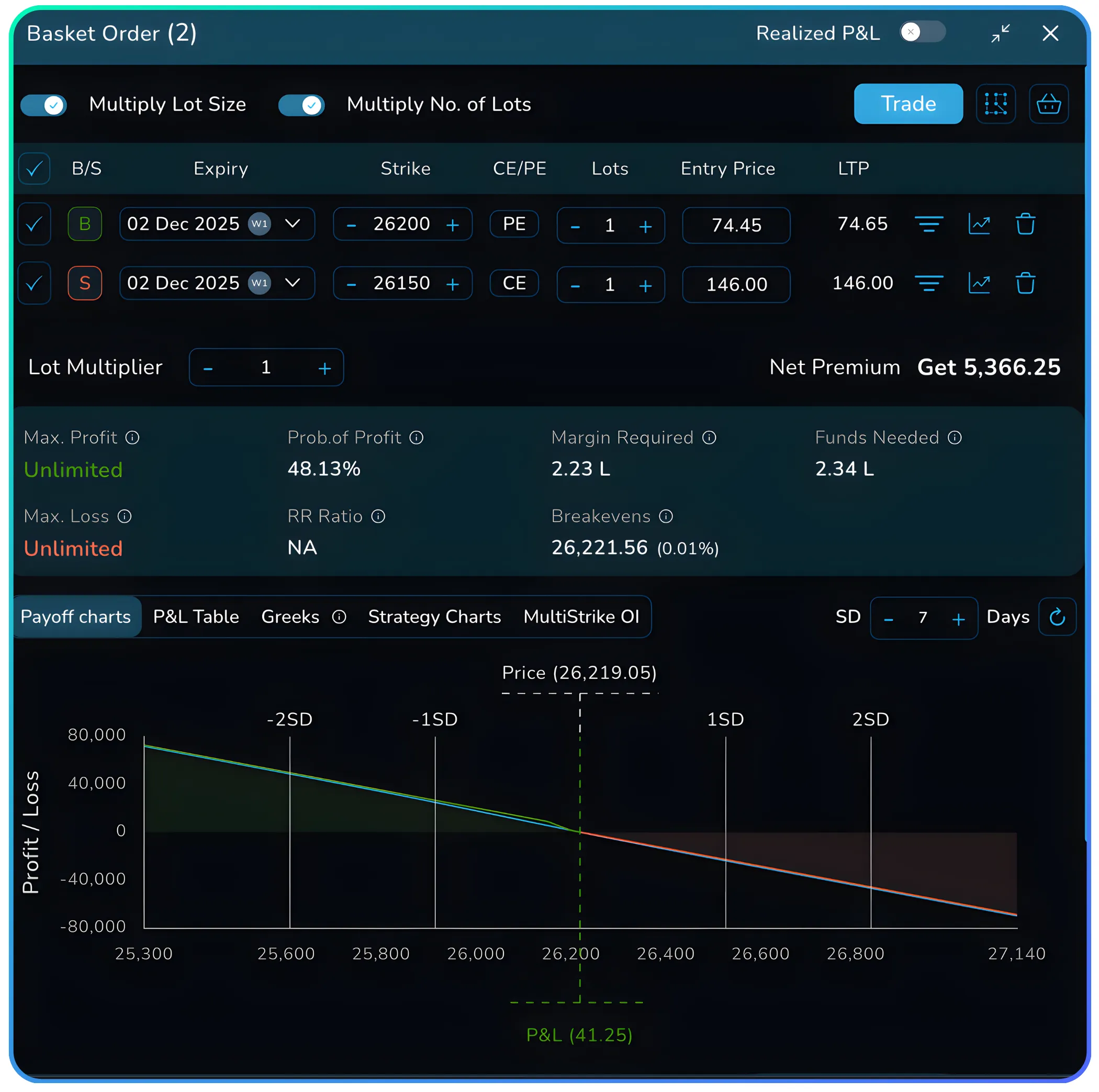
View:
- Payoff chart
- SD markers
- POP (Probability of Profit)
- Max P/L
- Margin requirements
- Position-level Greeks
- MultiStrike OI data
Convert it to a multi-leg trade in Strategy Builder. Execute via Trade.
This combines simulation → execution in one workflow.
This is not just a visual tool. It's a forward-looking risk engine that helps you validate, test, and optimize trades with zero guesswork using scenario-based NxtOption What If Analysis.
Also Read: Basket Order - How does a Basket Order work?
Feature Table: Core Parameters of What If Engine
| Parameter | Inputs/Range | Purpose | Impact |
|---|---|---|---|
| Target Price | Manual / ± Controls | Simulate spot movement | Updates premium & Greeks |
| Target Date | Calendar + Time | Fast-forward time | Models theta decay |
| Expiry | Weekly → LEAPS | Visualize relative decay | Changes sensitivity curve |
| Underlying | Index + Stocks | Switch markets | Reloads entire chain |
| B/S Buttons | Buy/Sell | Trade from simulation | Opens basket order panel |
Step-by-Step Walkthrough
Step 1: Opening What If

Go to NxtOption → Option Chain. On the right, you’ll see Straddle, What If, Scalper Terminal. Click What If.
Step 2: Select Underlying
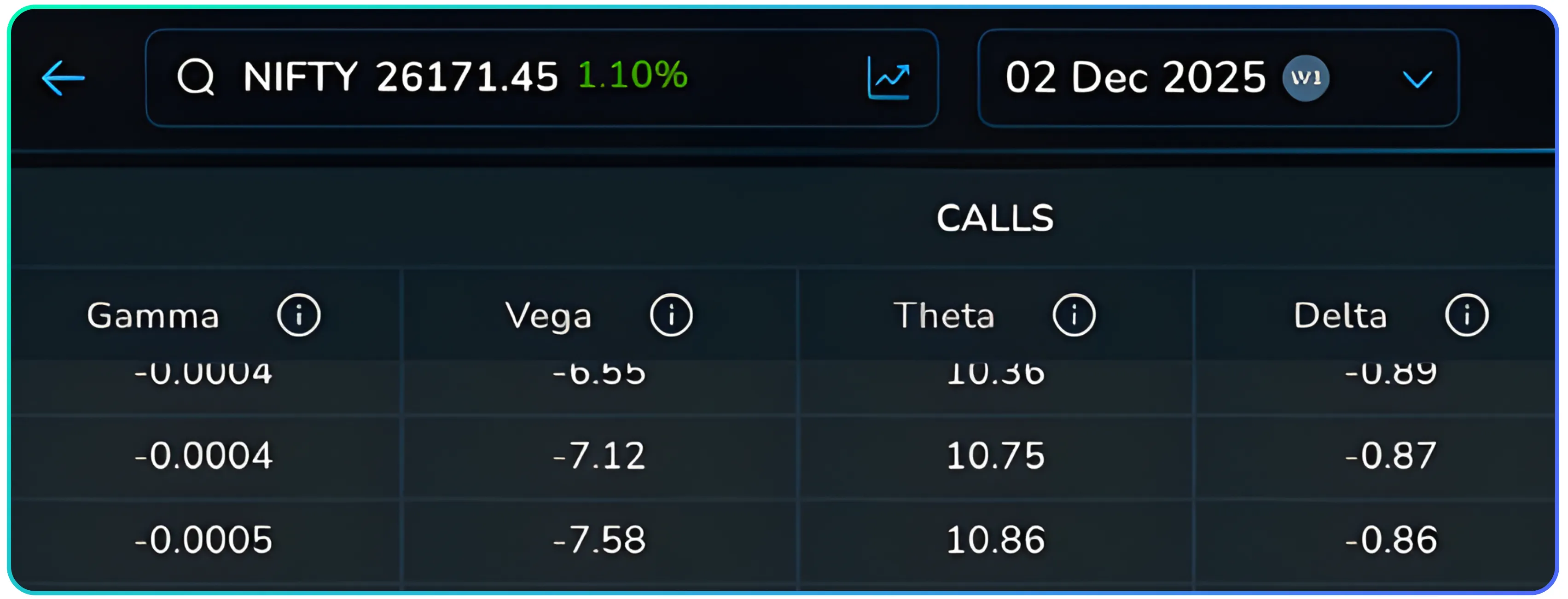
Default: NIFTY. Click the underlying dropdown to choose stocks like Varun Beverages.
Step 3: Choose Expiry
Click the expiry dropdown → Select 27 Jan 2026
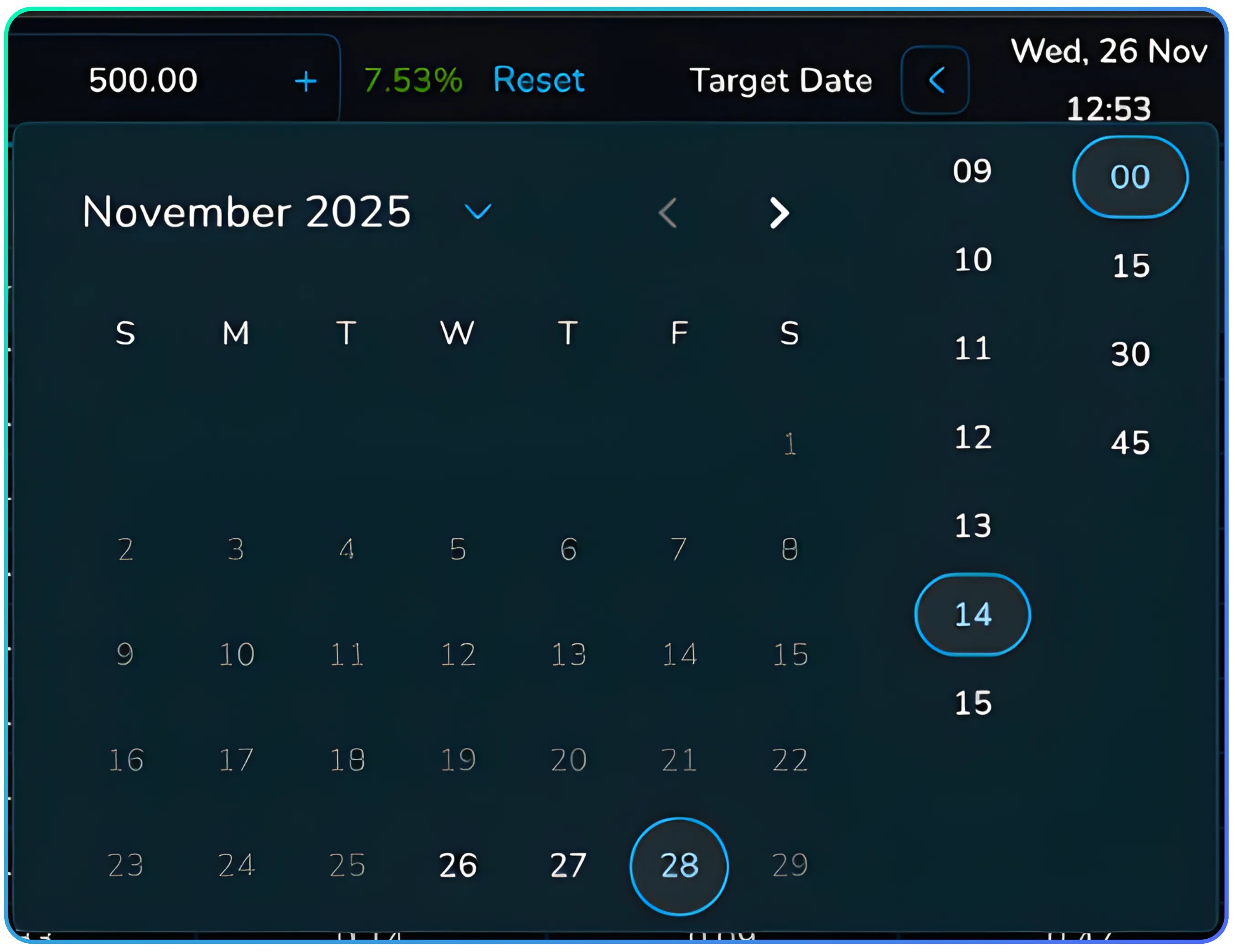
Step 4: Set Target Price
CMP example from transcript: 465 → 500 Enter 500. Chain recalculates instantly using the option chain scenario testing engine.

Step 5: Set Target Date/Time
Set: 28th November 2:00 pm
Watch how:
- Calls inflate
- Puts collapse
- Theta accelerates
- Vega adjusts downward
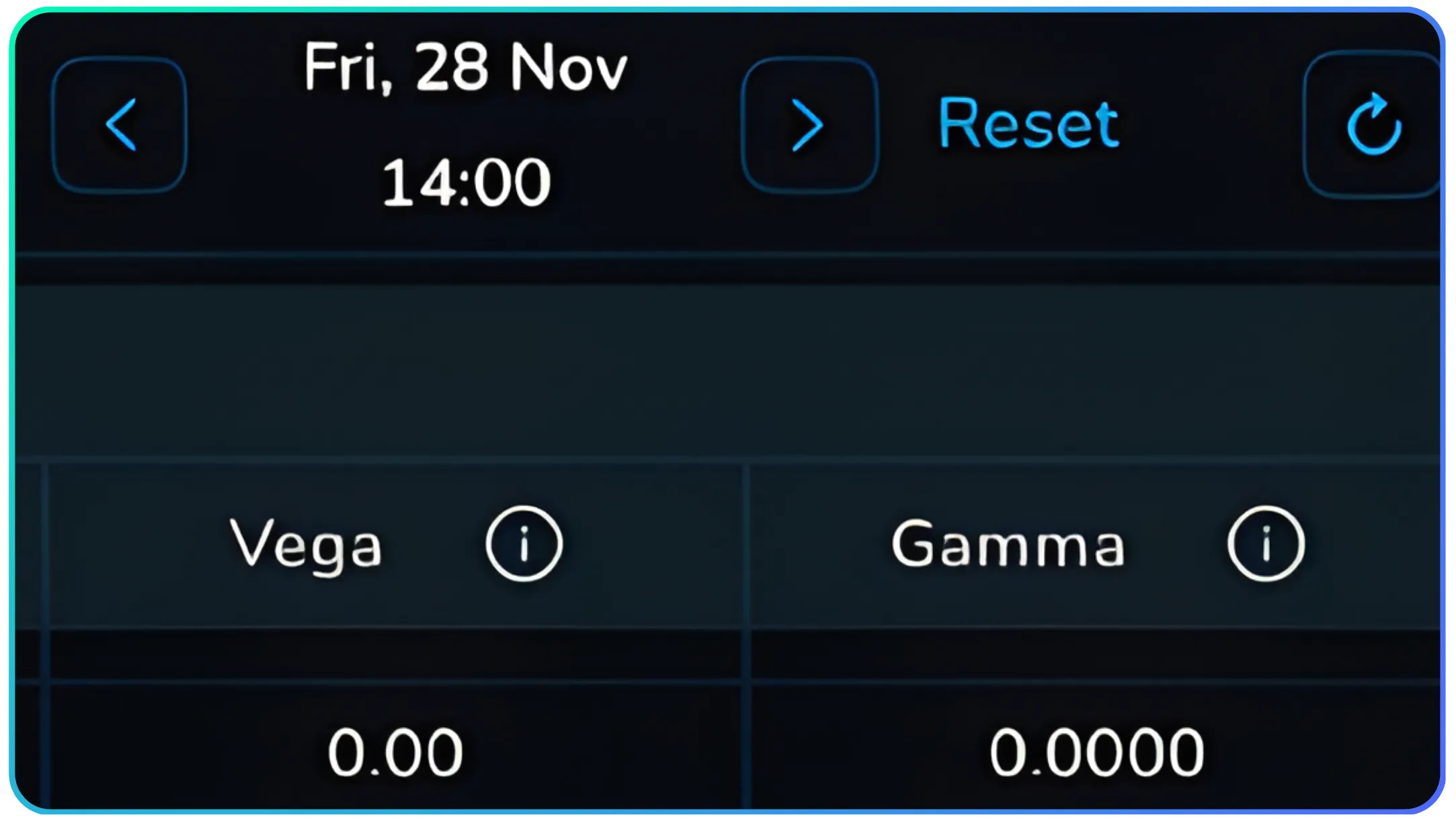
You can reset everything anytime via Reset.
Step 6: Compare Current vs Hypothetical Premium
For this example:
- CMP 420 Call: ₹53.76
- What If 420 Call (500 target): ₹84.56
- CMP 460 Put: ₹12.15
- What If 460 Put: ₹3.23
Every Greek recalculates:
- Delta jumps on calls
- Put delta collapses
- Theta shifts by the hour
- Vega diminishes closer to expiry
Step 7: Execute or Build Strategy
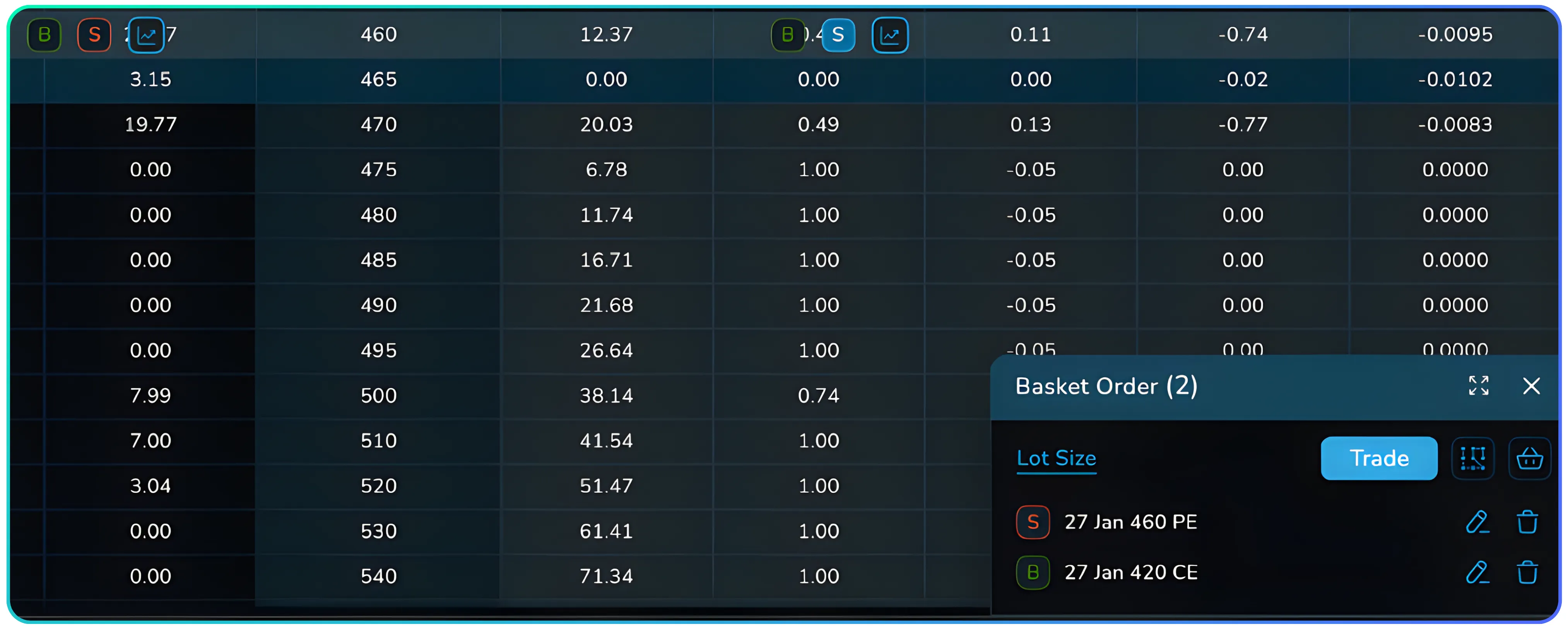
Click Buy/Sell on any strike → opens order pad.
Click Trade → execute live.
This bridges simulation → execution without leaving the screen.
Accessing the What If Analysis
Follow this navigation:
- Log into CubePlus.
- Click NxtOption.
- Open Option Chain.
- On the right panel, click What If.
- Begin by setting Target Price, Target Date, Expiry, and Underlying.
The Bottom Line
The What If Analysis gives traders something they rarely get: clarity before taking risk.
Key Benefits
- Simulates multiple market conditions instantly
- Eliminates guesswork with Greek-driven recalculations
- Helps plan overnight trades and event scenarios
- Connects directly to execution for seamless trade workflow
Also Read: A Guide to Backtesting with NXTOption Simulator
Instead of reacting to markets, you begin anticipating them. This tool helps you trade with intention, not hope.
Log into NxtOption now and run tomorrow’s market today.
Disclaimer: The information provided in our blogs is for informational purposes only and should not be construed as financial, investment, or trading advice. Trading and investing in the securities market carries risk. Always conduct your own research and consult with a qualified financial advisor before making any investment decisions. Past performance is not indicative of future results. Copyrighted and original content for your trading and investing needs.
© 2025 — Tradejini. All Rights Reserved.


