
_56_11zon.webp%3Falt%3Dmedia%26token%3Dbc6d4fb2-96ee-4c9d-82be-d43940df465c&w=3840&q=85)
In algorithmic trading, the gateway to the market is secured through a precise authentication protocol. Before any market data can be fetched or an order placed, the system must validate the user's identity and issue a digital "pass" for the day.
This article outlines the logic behind the authentication token and the specific parameters required to generate a valid session token for daily trading activities.
The Authentication Token vs. The Session Token
To understand the flow, it is helpful to distinguish between the static keys you possess and the dynamic token the system issues.
- Static Credentials: These are your permanent identifiers (API key and password).
- Dynamic Credentials: This is your Time-based One-Time Password (TOTP), which changes every 30 seconds.
- Session Token (Access Token): This is the result. It is a temporary, unique string generated by the server that authorizes your connection for the current trading day.
The Required Inputs
To successfully generate a session token via the Individual Token Service endpoint (as seen in your API documentation), four specific data points must be submitted to the server:
API Key (Client ID): The unique alphanumeric string assigned to your trading application. This tells the server who is requesting access.
Password: Your standard trading account password used for web login.
Two-Factor Authentication (2FA): The 6-digit code from your authenticator app. This proves that the request is being authorized by you in real time.
Authorization Header: Include your Client ID in the header using the Bearer format:
Authorization: Bearer <ClientID>This helps the server validate which application is requesting the session token.
The Generation Process
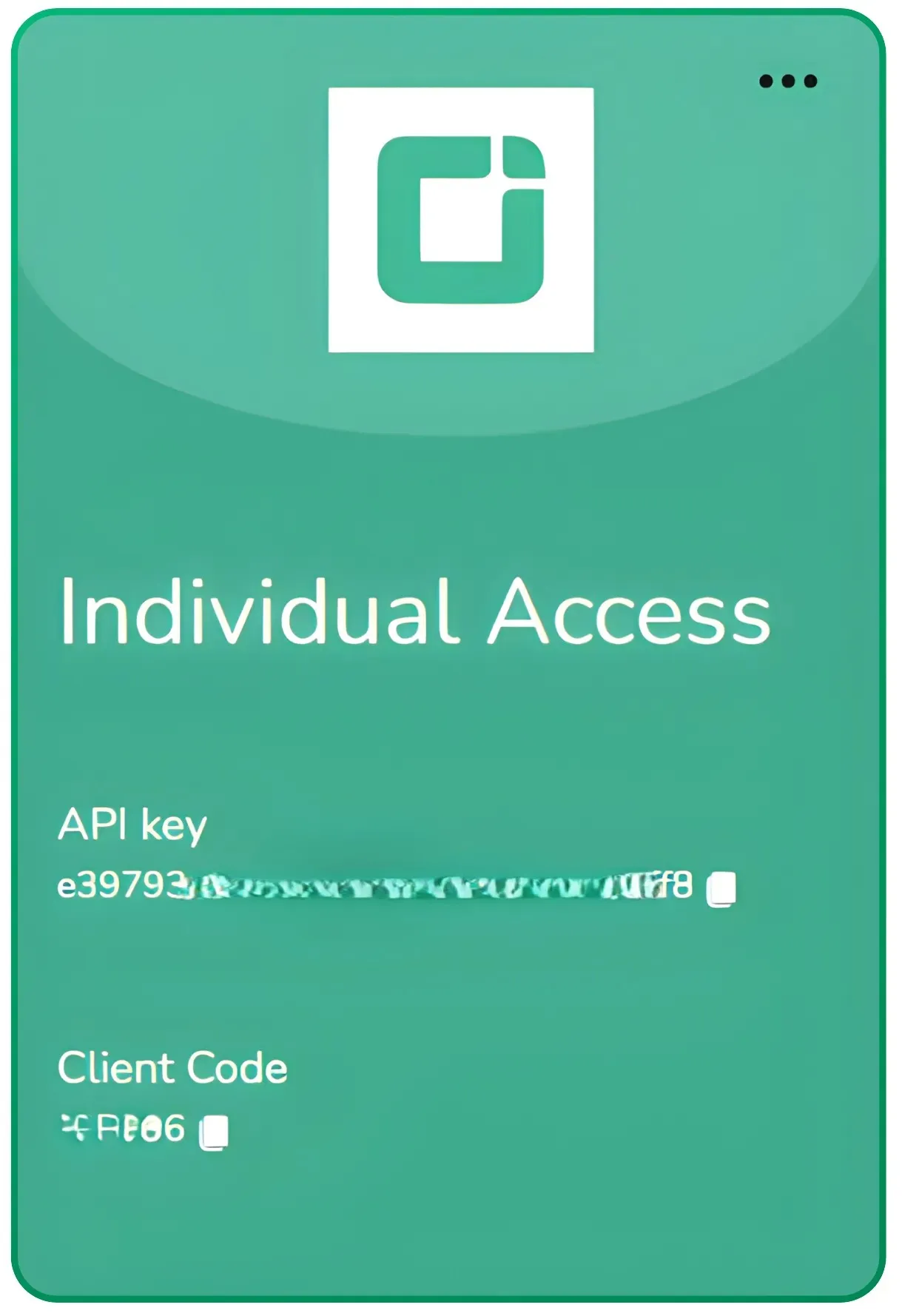
Step-1 Generate the API key from the developer portal.
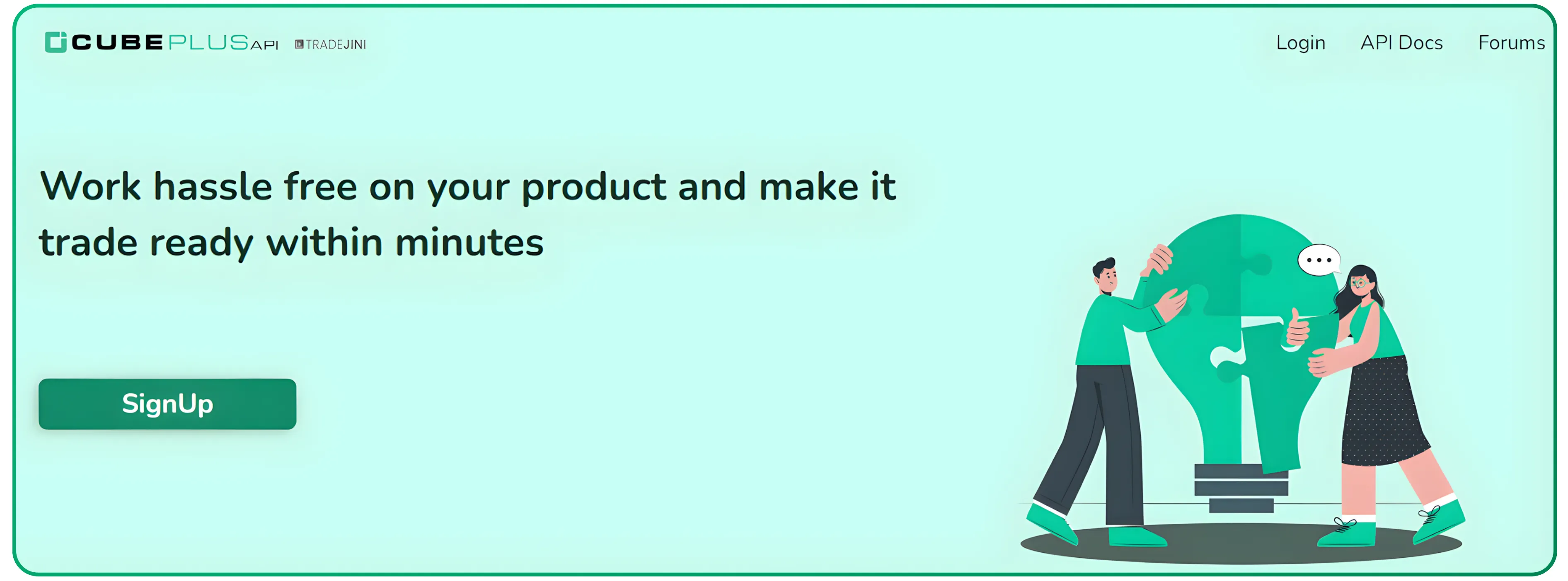
Navigate to https://api.tradejini.com/developer-portal/main and then click on login
And then click on Tradejini
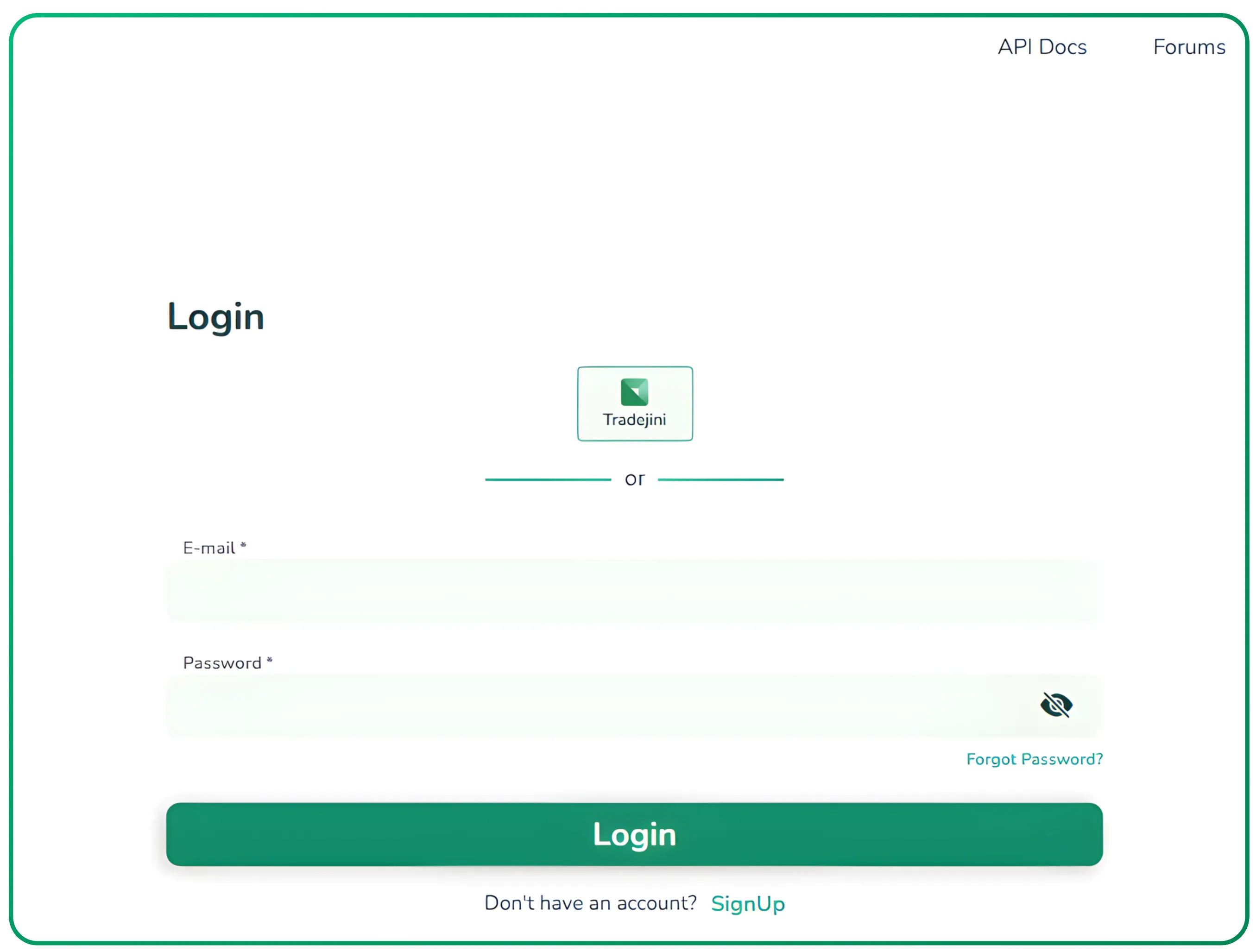
Sign in with the Tradejini credentials (client ID, password, and TOTP from the Cubeplus mobile app or the OTP to your mobile number)
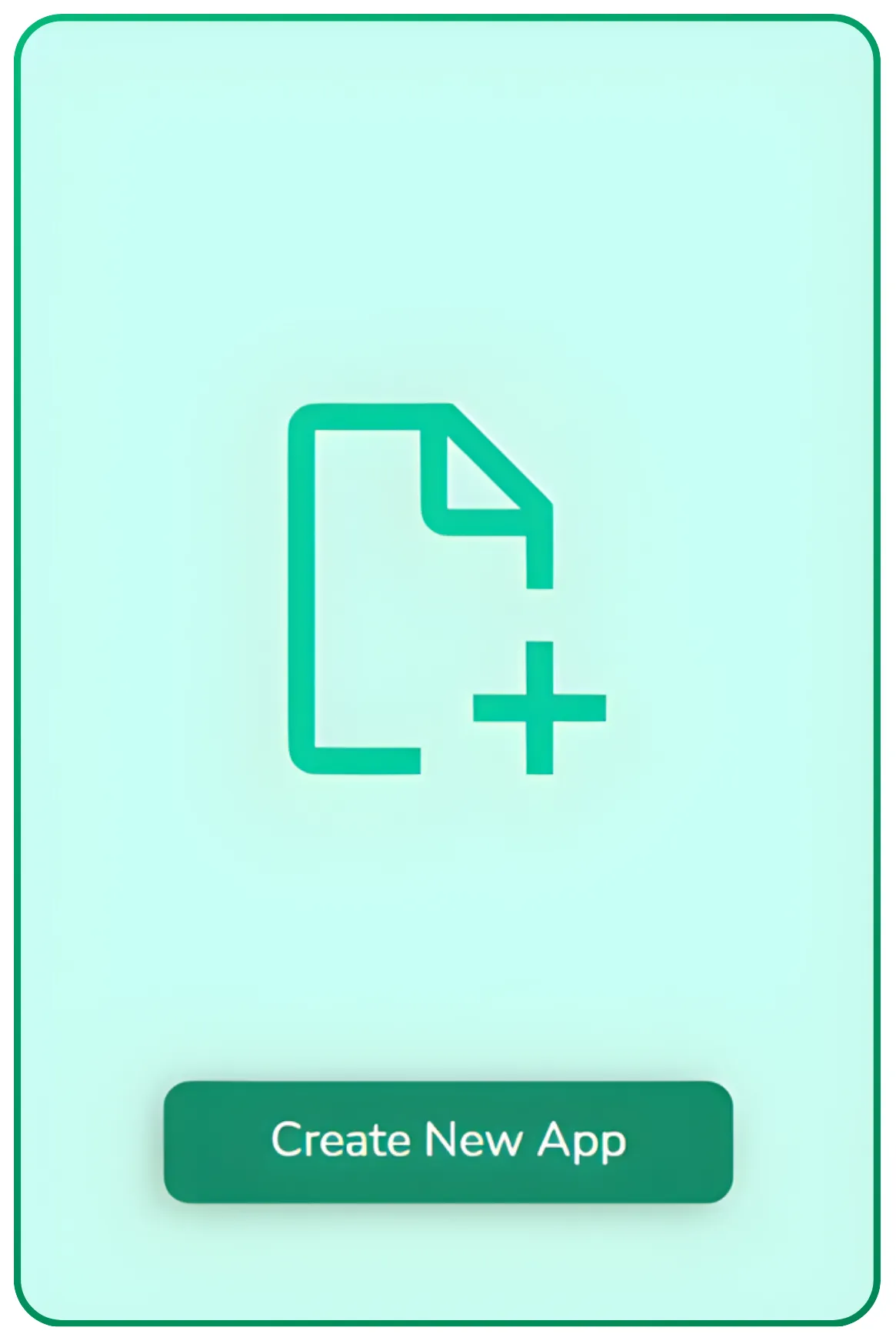
Then click on "Create New App."
Then select individual and then click on Submit.
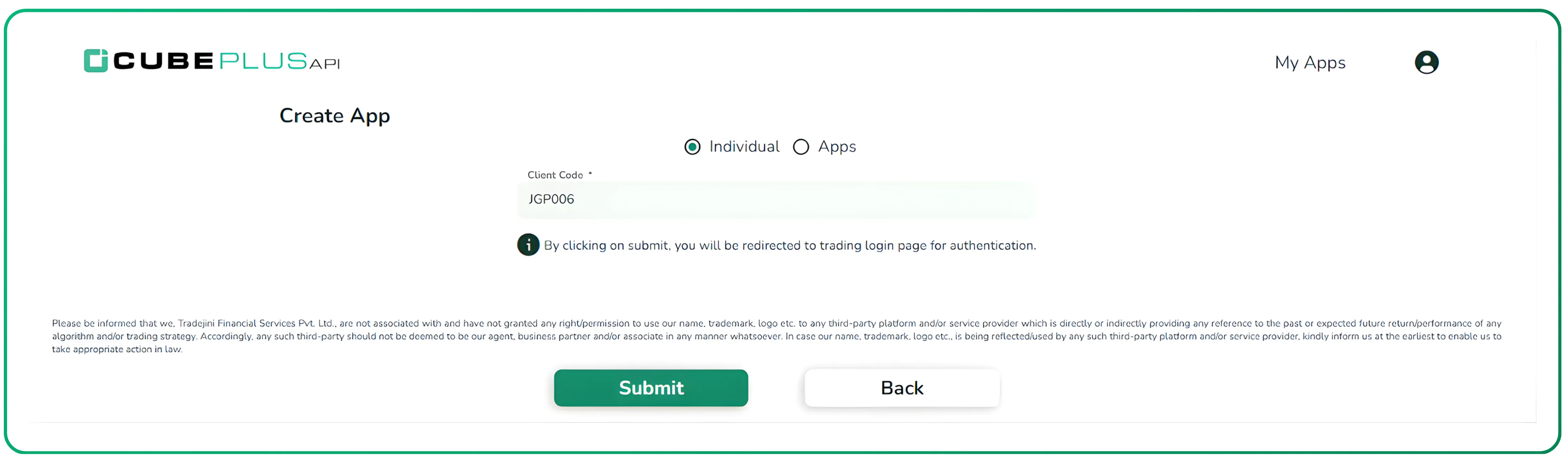
Now, your API key is generated.
Step -2 Authenticate in the API DOC
Navigate to the link below
https://api.tradejini.com/api-doc/#post-/api-gw/oauth/individual-token-v2
Enter the credentials as specified in the image below
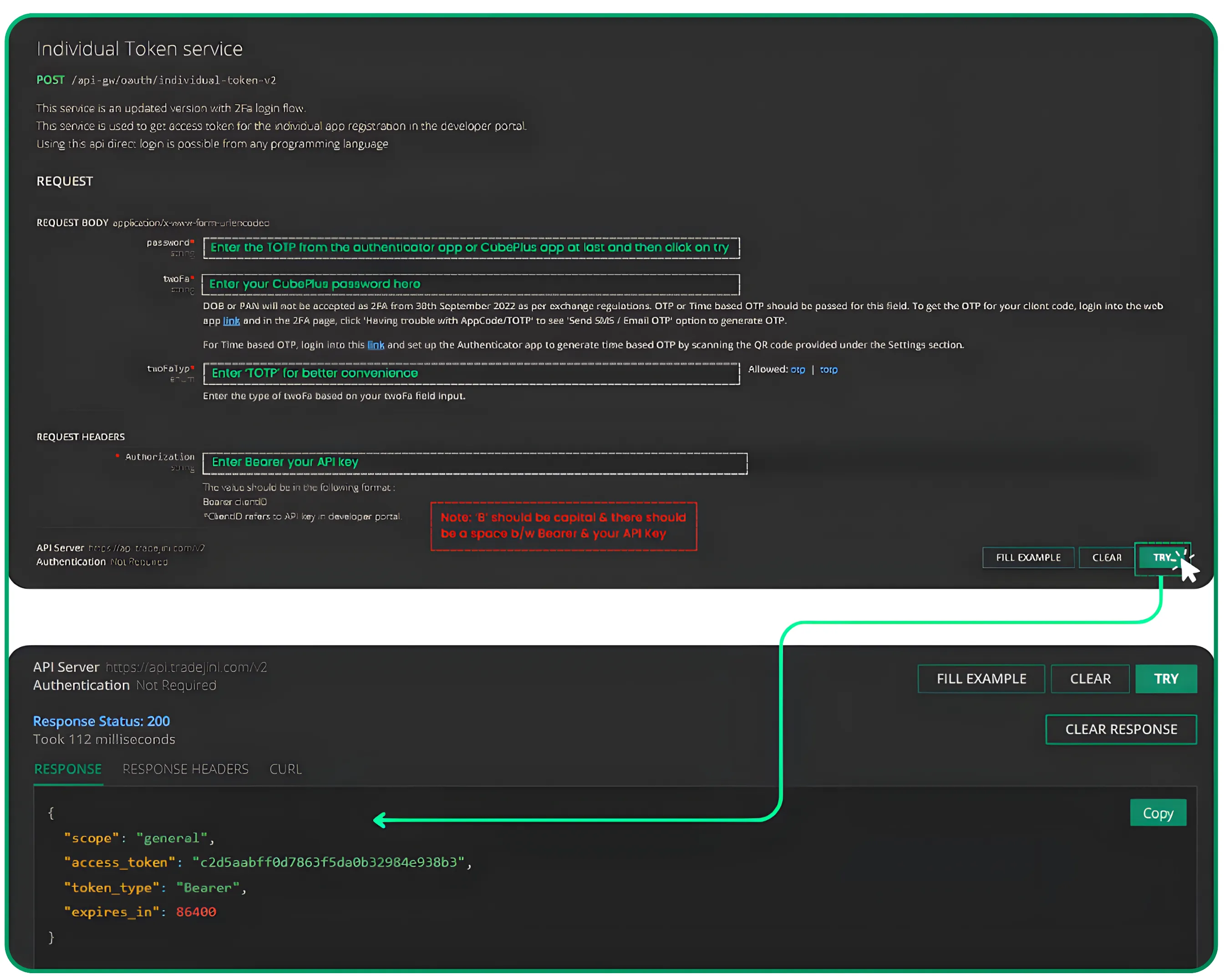
Now, you have an access token, which is valid until the end of the current trading session, and you have to create a new access token in the same way for the next day.
Authentication
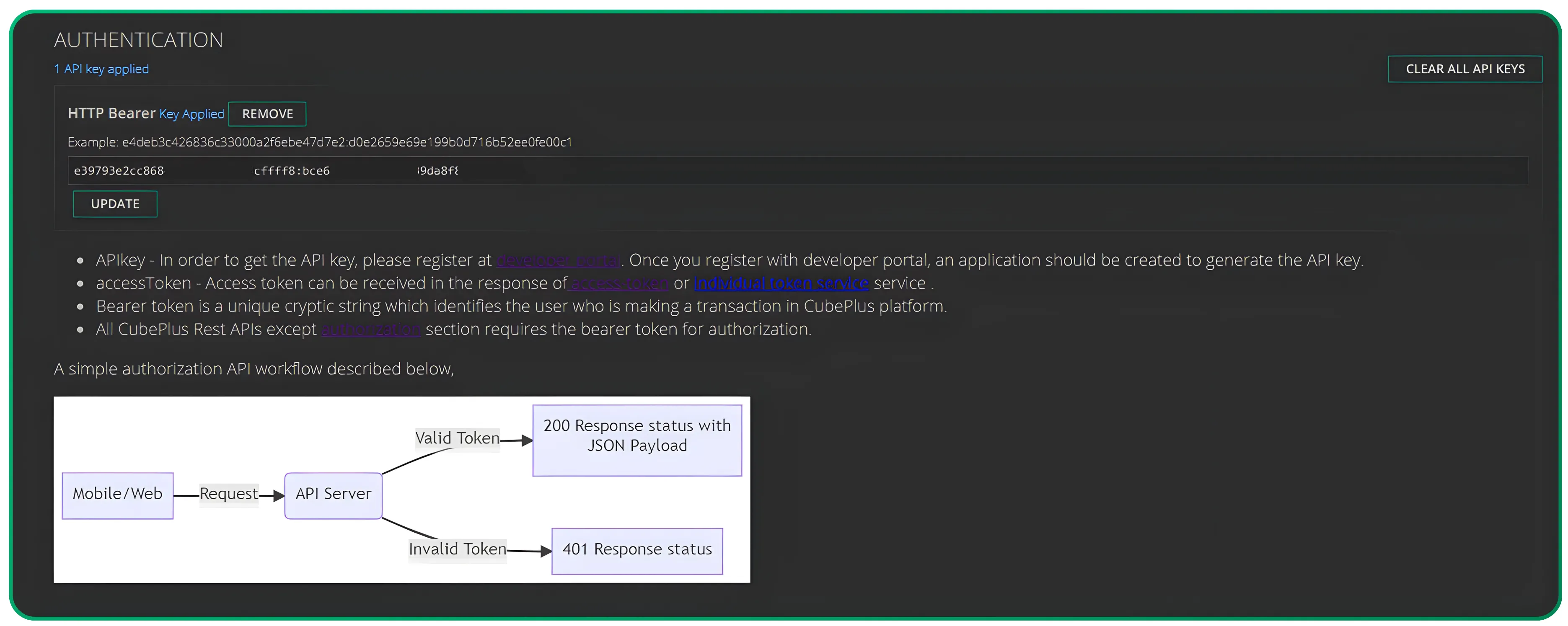
Copy the access token and use it to authenticate within the API Gateway documentation, as illustrated below. Once successfully authenticated, you will have access to all listed endpoints.
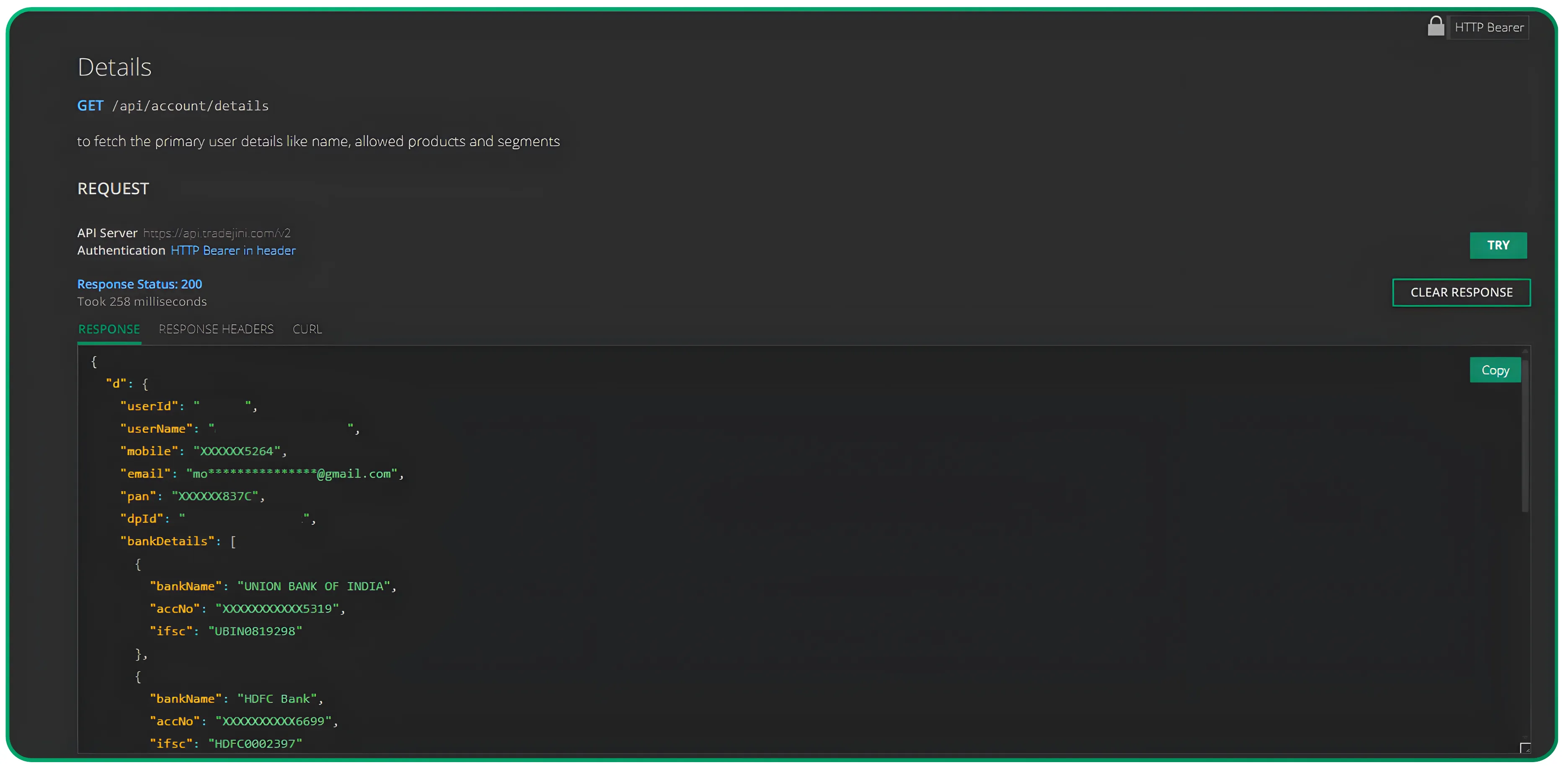
For example, you can retrieve your account details by simply clicking the 'Try' button at the following link: API Endpoint. Please refer to the image below for a sample response.
There are many other endpoints that the Tradejini API gateway docs offer. To learn more about our API, follow the Tradejini official account and stay tuned. And sign up for CubePlus today if not already done.
Disclaimer: The information provided in our blogs is for informational purposes only and should not be construed as financial, investment, or trading advice. Trading and investing in the securities market carries risk. Always conduct your own research and consult with a qualified financial advisor before making any investment decisions. Past performance is not indicative of future results. Copyrighted and original content for your trading and investing needs.
© 2025 — Tradejini. All Rights Reserved.

%252FCubePlus_Shield_Part%25203%2520Blog%2520Thumbnail.webp%3Falt%3Dmedia%26token%3Da5581624-5761-476f-8451-40c157b54840&w=3840&q=75)
%252FShield%2520on%2520Cubeplus%2520part2.webp%3Falt%3Dmedia%26token%3D252a5b48-a580-4e8d-b939-c82d4696eaef&w=3840&q=75)
